




 Mastering the Engagement Rate Calculator
The demand for high-quality video content is exploding, but production costs and timelines can be a major hurdle for DTC brands and marketing agencies. The good news? The rise of AI has democratized video creation. An ai video maker free tool is no longer just a novelty; it's a strategic asset for generating ad creatives, social media clips, and product explainers at unprecedented speed and scale. This guide cuts through the hype to deliver a hands-on review of the 12 best free AI video tools available right now.
We get straight to the point. For each tool, you'll find a direct link, screenshots, and an honest assessment of its free plan's real-world limitations, from watermarks and export caps to feature restrictions. We provide actionable insights on which platform is best for specific marketing tasks, like drafting TikTok ads, creating animated product shots, or repurposing webinar content into shareable clips.
This listicle is designed to be your practical roadmap. By the end, you'll know exactly which ai video maker free platform fits your specific needs, helping you integrate these powerful tools into your marketing workflow. The goal is simple: produce more high-impact video content, faster, without stretching your budget. Let's dive in.
Table of Contents
1. Microsoft Clipchamp
Microsoft Clipchamp stands out by offering a genuinely useful and powerful free tier without the typical catch. Unlike many competitors, it provides unlimited watermark-free exports up to 1080p resolution, making it an excellent starting point for DTC brands and agencies that need to produce high-quality social media content without an immediate budget commitment. While it's more of a traditional editor enhanced with AI, its accessibility is unmatched.
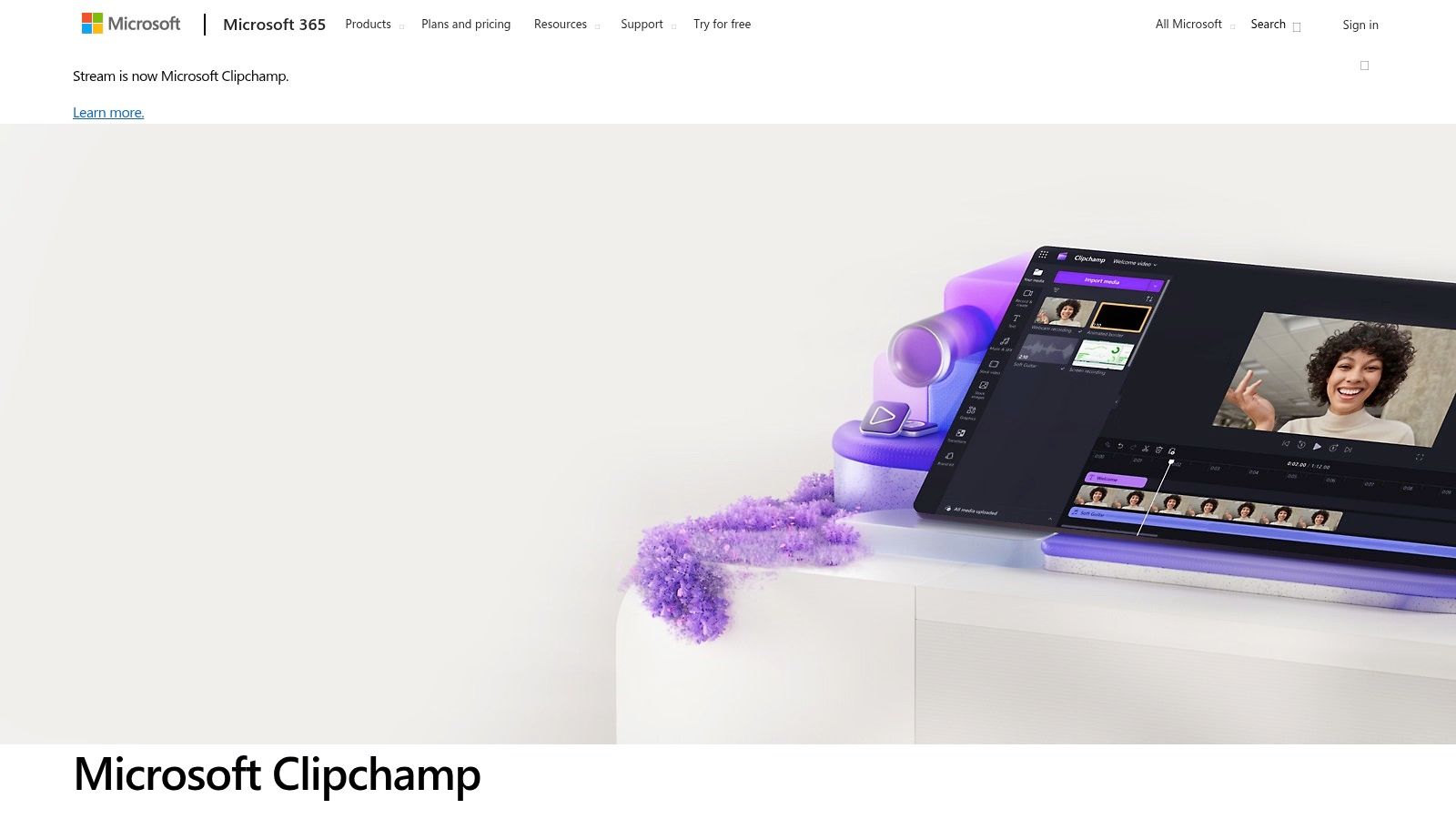
The user experience is clean and intuitive, feeling like a streamlined version of more complex desktop editors. The AI features, like the script-based text-to-speech and auto-captioning, are practical tools for creating accessible marketing videos quickly. Its integration with Microsoft accounts and OneDrive simplifies asset management for teams already in that ecosystem.
Key Features & Use Case
- Best For: Creating polished social media ads, tutorials, and user-generated content (UGC) compilations where you need a professional, watermark-free finish.
- Standout Feature: The text-to-speech tool is surprisingly robust, allowing you to generate voiceovers directly from a script.
- Pro Tip: Use the Brand Kit feature (available on paid tiers, but worth considering) to pre-load your brand’s fonts, colors, and logos. This dramatically speeds up the creation of on-brand content, ensuring consistency across all your videos.
| Feature Summary | Free Tier | Paid Tier |
|---|---|---|
| Watermark-Free Exports | Yes (up to 1080p) | Yes (up to 4K) |
| Stock Media | Free stock | Premium stock |
| Brand Kit | No | Yes |
| Content Backup | No | Yes |
Website: Microsoft Clipchamp
2. Adobe Express
Adobe Express leverages the power of Adobe's creative ecosystem in a streamlined, template-driven package. It’s an ideal ai video maker free for marketers who need to create on-brand social content quickly without a steep learning curve. The integration of Adobe Firefly AI for features like Text to Video and animation effects adds a layer of creative speed that complements its vast template library, making it a reliable choice for fast-paced content calendars.
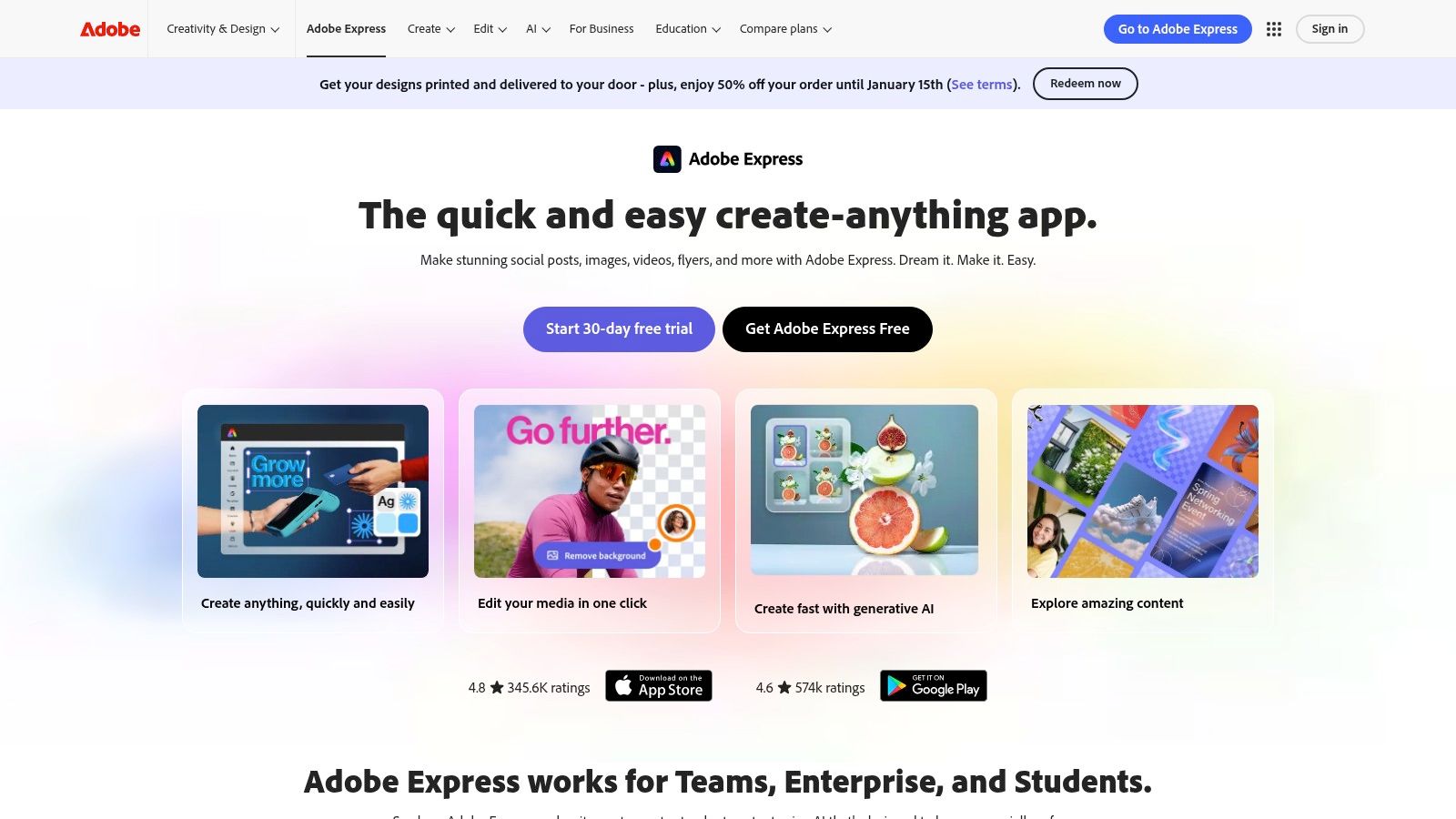
The user experience is intuitive, focusing on drag-and-drop functionality and simple menus that feel familiar to anyone who has used Canva or similar tools. While the most powerful AI features and the best stock assets are locked behind a premium plan, the free version offers enough functionality to produce high-quality, professional-looking videos for Instagram Reels, TikToks, and other social formats. Its reliability and brand backing make it a safe bet.
Key Features & Use Case
- Best For: Teams and individuals needing to quickly create templated social media videos, animated graphics, and short promotional clips with trusted AI features.
- Standout Feature: The "Animate from audio" feature is a fun, engaging tool that automatically creates simple character animations from a voice recording.
- Pro Tip: Use the free plan to batch-create video shells from your brand’s most-used templates. You can quickly swap out text and background clips for different campaigns, even with the free tier’s limitations, saving significant setup time.
| Feature Summary | Free Tier | Paid Tier |
|---|---|---|
| Watermark-Free Exports | Yes | Yes |
| Stock Media | Limited free collection | Full Adobe Stock library |
| Brand Kit | No | Yes |
| Generative AI Credits | Yes (25 monthly) | Yes (250+ monthly) |
Website: Adobe Express
3. Runway
Runway sits at the cutting edge of generative AI, offering a suite of powerful tools that go far beyond basic editing. It’s best known for its state-of-the-art text-to-video and image-to-video models, making it the top choice for creatives and agencies aiming to produce surreal, artistic, or hyper-realistic B-roll from simple prompts. While its free tier is more of a trial, it provides enough credits to experiment with the technology's impressive capabilities.
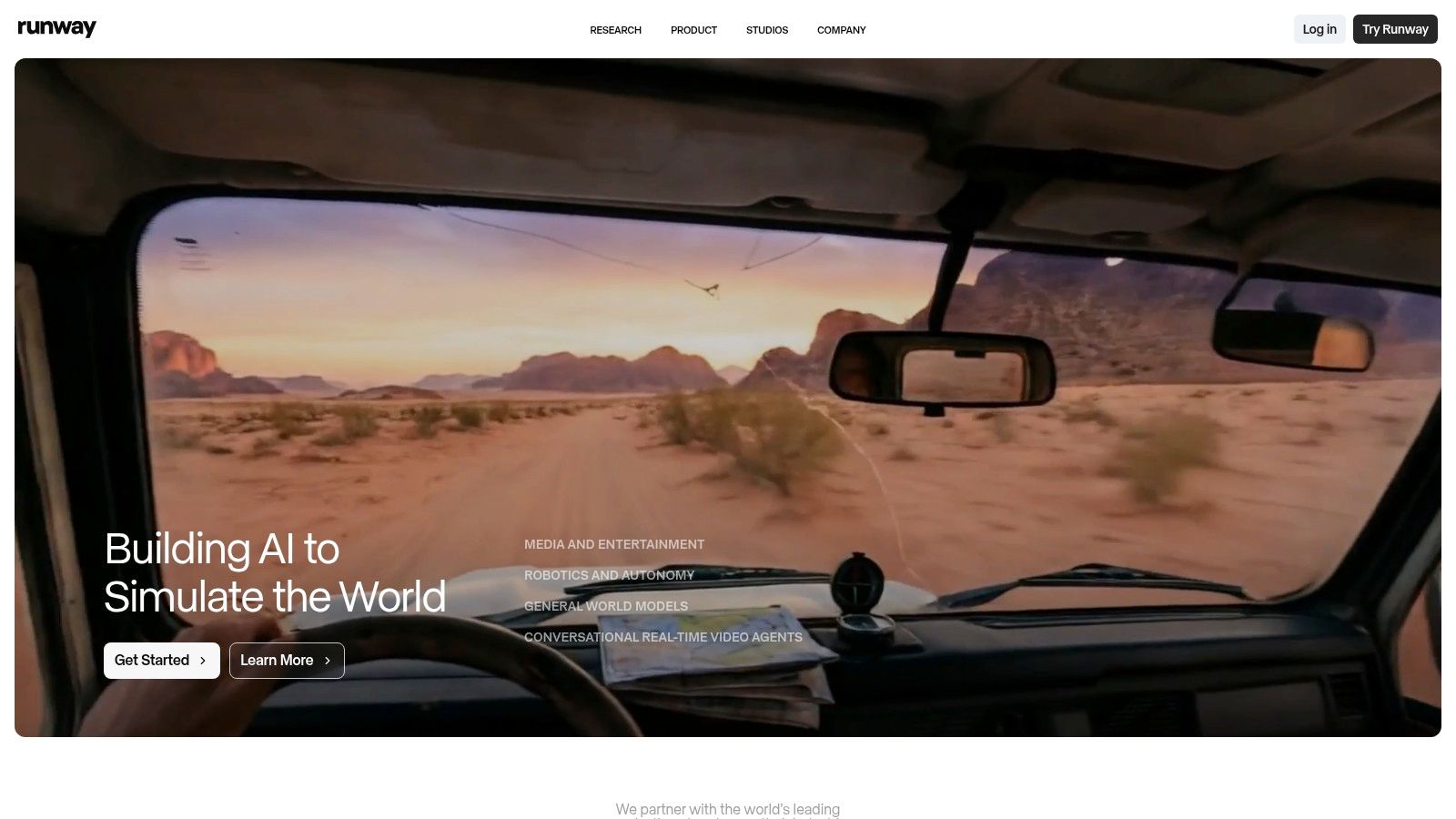
The platform feels like a creative research lab, giving users direct access to multiple generative models (like Gen-3 Alpha) to balance speed versus fidelity. This makes it an invaluable tool for ideation and creating unique visual assets that would be impossible to shoot traditionally. Understanding the distinction between AI-generated content and user-generated content is key; you can explore the strategic differences between UGC and AIGC to see where Runway fits in your marketing mix.
Key Features & Use Case
- Best For: Generating unique B-roll, conceptual ad visuals, and animated assets for campaigns that need a distinct, futuristic aesthetic.
- Standout Feature: Its text-to-video generation is a market leader, offering unparalleled realism, coherence, and artistic control.
- Pro Tip: Be highly descriptive and iterative with your prompts. Start broad, then add details about lighting, camera angles ("drone shot," "macro shot"), and style ("cinematic," "8mm film") to refine your output.
| Feature Summary | Free Tier | Paid Tier |
|---|---|---|
| Generative Credits | Yes (one-time allotment) | Yes (monthly) |
| Video Resolution | Up to 720p | Up to 4K |
| Watermark | Yes | No |
| AI Magic Tools | Limited access | Full access |
Website: Runway
4. Luma AI – Dream Machine
Luma AI’s Dream Machine has quickly emerged as a formidable text-to-video generator, specializing in creating short, high-motion clips with stunning physical realism. While not a traditional editor, it excels as a specialized AI video maker free for producing visually striking b-roll, conceptual shots, or dynamic product visuals from a simple prompt. Its free tier provides an accessible entry point to experiment with generative video, though it comes with notable limitations.
The platform is web-based and straightforward, focusing entirely on the generation process. You input a text or image prompt, and the AI produces a short video clip, often with impressive camera movement and character consistency. This makes it a powerful tool for marketers needing unique visual assets that stock footage simply cannot provide, perfect for capturing attention in social media feeds.
Key Features & Use Case
- Best For: Generating unique, high-motion b-roll for social media ads or creating abstract, eye-catching visuals for brand campaigns that require a cinematic feel.
- Standout Feature: Its ability to generate realistic motion and maintain character/object consistency within its short clip duration is currently top-tier.
- Pro Tip: Be extremely descriptive in your prompts. Specify camera angles ("drone shot," "low-angle tracking shot"), lighting ("golden hour," "cinematic lighting"), and motion ("slow pan," "fast dolly zoom") to guide the AI toward a more polished and intentional output.
| Feature Summary | Free Tier | Paid Tier |
|---|---|---|
| Watermark | Yes | No |
| Video Resolution | Draft quality | HD & 4K up-res |
| Clip Length | ~5-10 seconds | Extended generation |
| Commercial Use | No | Yes |
Website: Luma AI – Dream Machine
5. Pika
Pika has rapidly evolved from a simple text-to-video tool into a more robust creative platform. It stands out for its speed and iterative capabilities, making it a powerful free AI video maker for agencies and brands focused on rapid prototyping and conceptual visual development. Instead of just generating clips, Pika allows you to modify existing videos, expand canvases, and alter specific elements within a scene, behaving more like an AI-powered video editor.
The user experience is centered around a prompt bar and a generation feed, which feels intuitive for anyone familiar with text-to-image tools. Its credit-based free tier is generous enough to allow for significant experimentation, letting marketers test different creative directions for social media ads or product explainers without any upfront cost. The frequent updates mean the platform is constantly improving.
Key Features & Use Case
- Best For: Generating short, conceptual video clips for social media ads, mood boards, or as B-roll elements where artistic expression is more important than photorealism.
- Standout Feature: The "Modify Region" tool allows you to select a part of the video and change it with a new prompt, offering an incredible level of creative control.
- Pro Tip: Start with a static image (your product or a stock photo) and use Pika’s animation tools to bring it to life. This often yields more consistent and on-brand results than generating a video from a text prompt alone.
| Feature Summary | Free Tier | Paid Tier |
|---|---|---|
| Watermark | Yes | No |
| Monthly Credits | Yes (e.g., 30) | Yes (e.g., 700+) |
| Upscaling | No | Yes (HD) |
| Extended Video Length | No | Yes |
Website: Pika
6. InVideo AI
InVideo AI excels at transforming simple text prompts into complete video drafts in minutes. It's a true script-to-video platform that automates the entire creative process, from generating a script and voiceover to selecting and assembling relevant stock footage. This makes it a powerful tool for DTC brands and agencies that need to produce ad variations and social content at a high velocity without extensive manual editing.
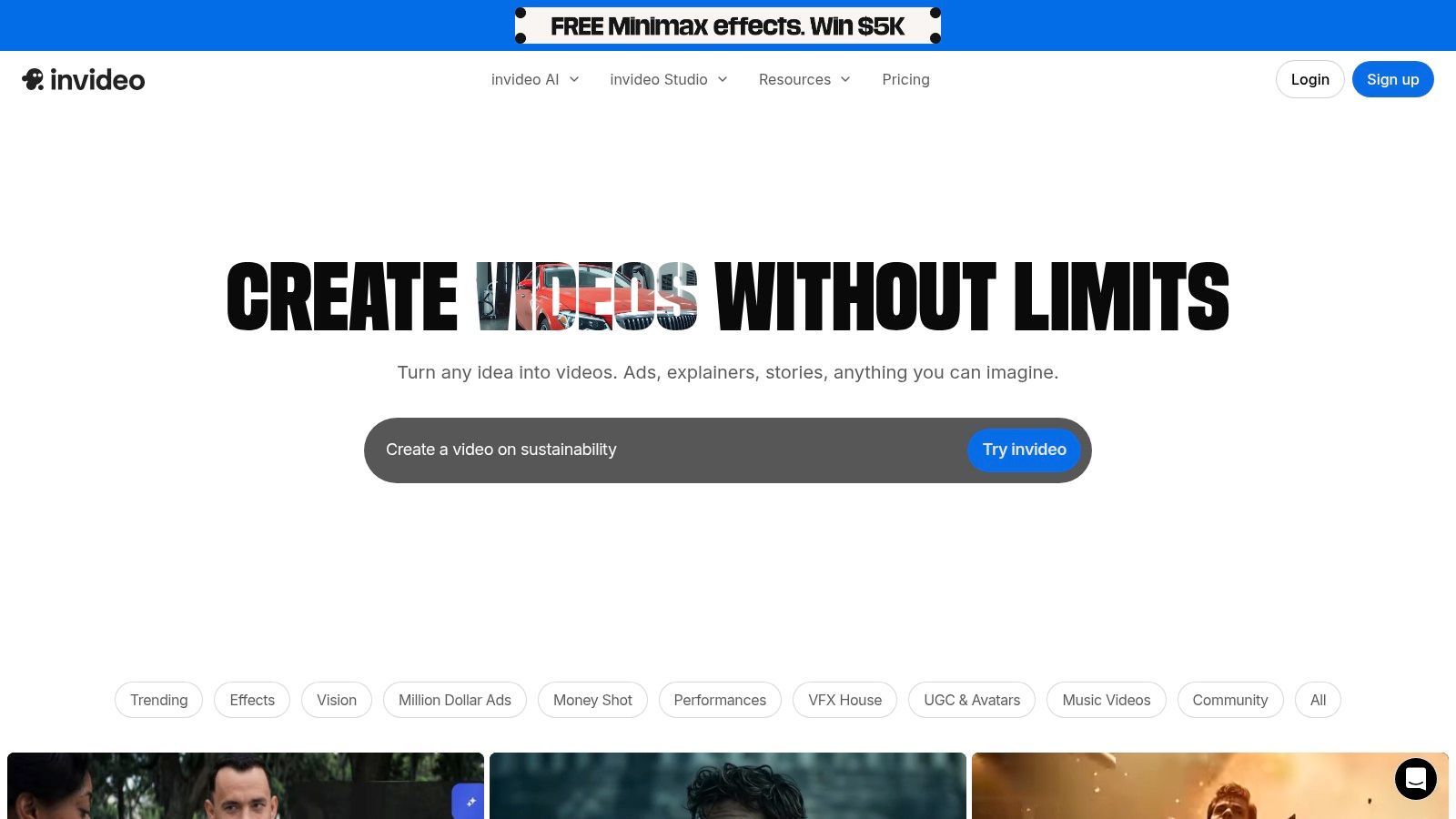
The user experience is built around a guided workflow where you simply input your idea, and the AI handles the heavy lifting. While the free plan includes a watermark and has weekly usage limits, it’s an excellent way to rapidly prototype video concepts. This rapid iteration is a key part of modern strategies for using AI in content creation, allowing teams to test ideas before committing to production.
Key Features & Use Case
- Best For: Quickly generating first drafts of social media ads, explainer videos, and short-form content from a single prompt.
- Standout Feature: The fully automated prompt-to-video workflow that sources stock media, generates a voiceover, and assembles scenes based on your input.
- Pro Tip: Be highly specific with your initial prompt. Instead of "a video about coffee," try "an upbeat, 30-second vertical video for a new cold brew coffee, highlighting its smooth taste and natural ingredients." This gives the AI more direction for a better first draft.
| Feature Summary | Free Tier | Paid Tier |
|---|---|---|
| Watermark-Free Exports | No | Yes |
| Weekly AI Credits | Limited (10 mins/week) | Higher limits |
| Stock Media Access | 10 iStock assets/week | 80+ iStock assets/month |
| Export Resolution | 1080p | 1080p/4K |
Website: InVideo AI
7. Kapwing
Kapwing positions itself as a collaborative, browser-based video editor with a powerful and accessible AI toolkit. It shines for teams needing to quickly add captions, generate voiceovers, or repurpose content without downloading complex software. While its free tier is more of a trial with noticeable limitations like watermarks and export caps, it offers a great taste of its AI-powered workflow, making it a solid ai video maker free option for initial tests and simple edits.
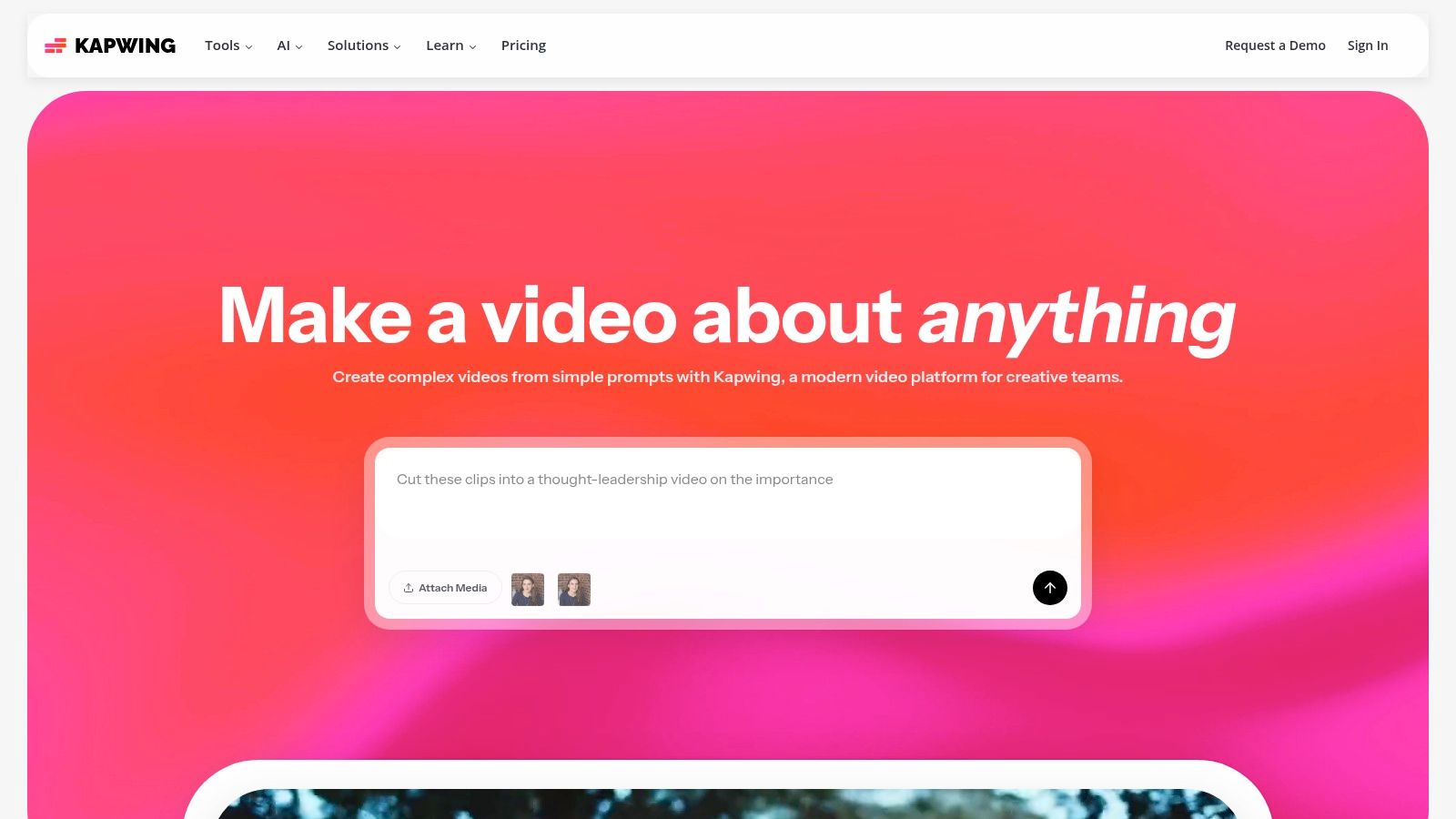
The platform is incredibly user-friendly, with a clean interface that makes finding tools like the auto-subtitler and text-to-speech generator effortless. Its strength lies in streamlining tedious tasks, allowing a social media manager to caption a UGC video or a DTC brand to generate a quick voiceover for an ad in just a few clicks. The upgrade path is clear for those who need higher resolution or branding features.
Key Features & Use Case
- Best For: Quickly captioning social media videos, creating short-form content with AI voiceovers, and collaborative team-based editing projects.
- Standout Feature: The auto-subtitle tool is fast and impressively accurate, providing a significant time-saver for creating accessible video content.
- Pro Tip: Use the "Repurpose" tool to instantly transform a horizontal video into a vertical format for TikTok or Reels. The AI intelligently reframes the subject to keep the most important action in view, saving significant re-editing time.
| Feature Summary | Free Tier | Paid Tier |
|---|---|---|
| Watermark-Free Exports | No | Yes |
| Export Quality/Length | 720p, up to 4 mins | Up to 4K, 2 hours |
| AI Credits (TTS, etc.) | 10 credits/month | 300+ credits/month |
| Brand Kit | No | Yes |
Website: Kapwing
8. VEED
VEED is an all-in-one online video suite that has rapidly expanded its AI toolkit, positioning itself as a central hub for social media teams. It's more than just an ai video maker free tool; it's a comprehensive platform for creating, editing, and even hosting video content. Its strength lies in the breadth of its AI utilities, from world-class auto-subtitling and translation to newer features like text-to-video and AI avatars.
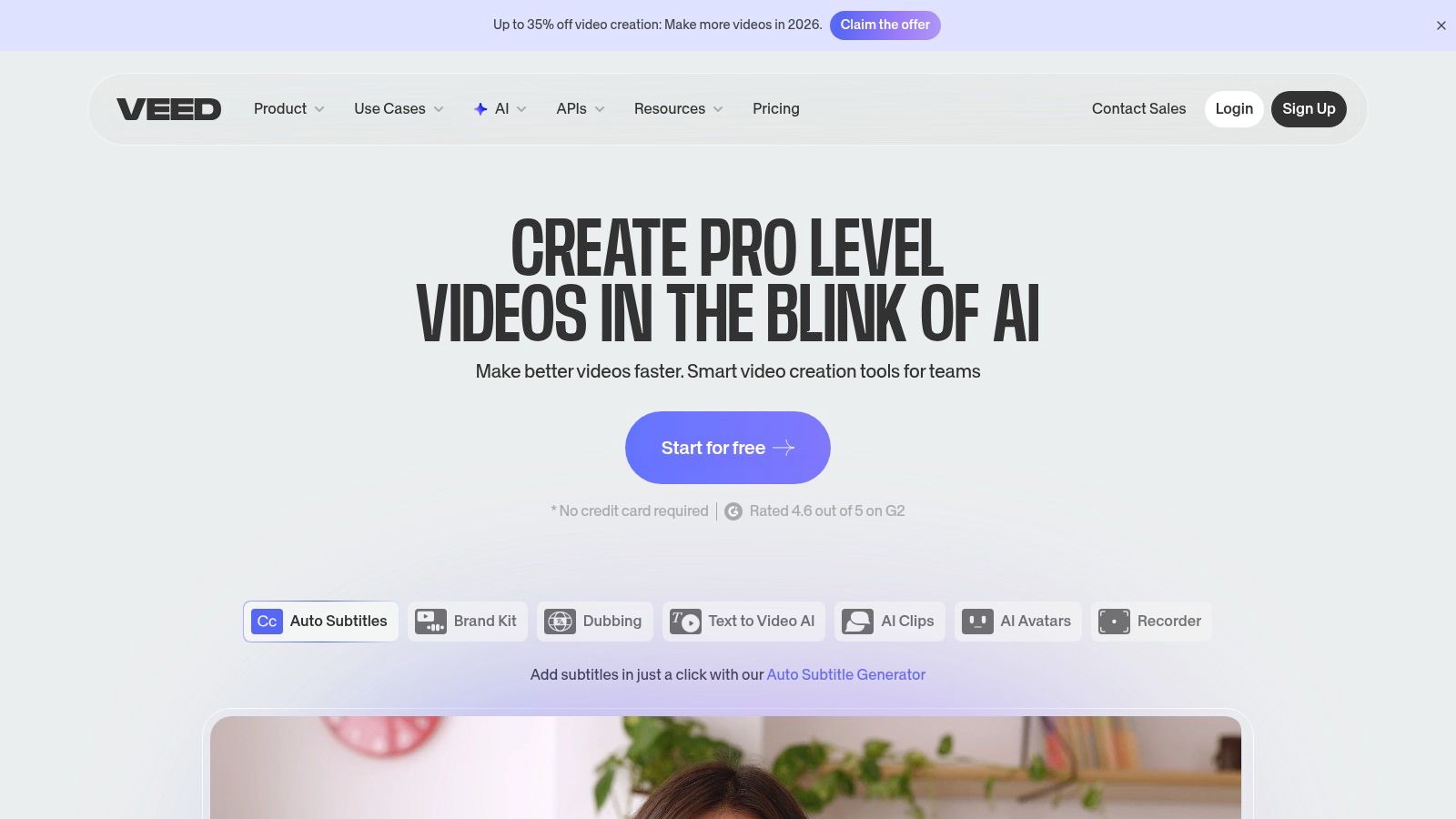
The user interface is modern and accessible, though packing in so many features can feel overwhelming for first-time users. For marketing teams, VEED shines by consolidating multiple AI tasks into one workflow. You can generate a script, create a voiceover, add an avatar, and produce perfectly timed captions without ever leaving the platform, making it a powerful engine for content localization and accessibility.
Key Features & Use Case
- Best For: Social media teams needing a wide range of AI tools for tasks like subtitling, translating content for global audiences, and creating quick explainer videos.
- Standout Feature: The auto-subtitling and translation engine is incredibly accurate and fast, saving countless hours on a task that is crucial for engagement and accessibility.
- Pro Tip: Use the "Clean Audio" AI tool to instantly remove background noise from user-generated content or interview clips. This simple one-click fix can dramatically elevate the perceived production quality of your videos.
| Feature Summary | Free Tier | Paid Tier |
|---|---|---|
| Watermark-Free Exports | No (watermark on free) | Yes |
| Export Quality | Up to 720p | Up to 4K |
| AI Subtitles/Translation | Limited minutes/month | Increased limits & features |
| AI Avatars & TTS | Limited use | Higher usage limits |
Website: VEED
9. Descript
Descript revolutionizes video editing by treating your content like a word document. Its unique text-based workflow is a game-changer for agencies and brands that repurpose long-form content like podcasts, webinars, or interviews. Instead of scrubbing through timelines, you simply edit the auto-generated transcript, and the video cuts follow suit. This approach makes it an incredibly efficient ai video maker free tool for creating dozens of short-form social clips from a single recording.
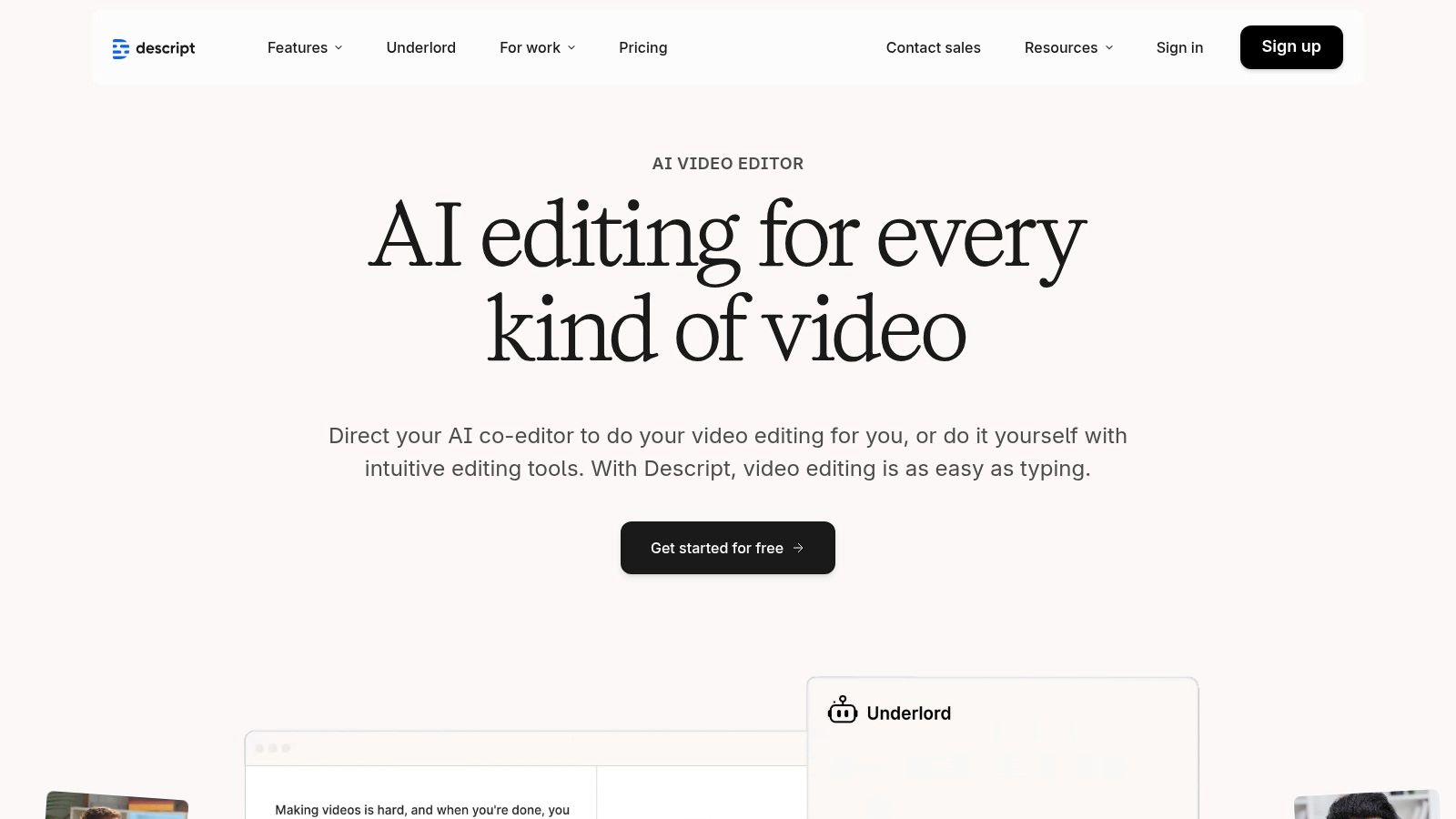
The platform’s strength lies in its sophisticated audio and AI features. The "Studio Sound" tool can make a poorly recorded voiceover sound like it was captured in a professional studio, while its ability to automatically remove filler words ("ums" and "ahs") saves immense time in post-production. The user experience is clean and focused on the script, which significantly lowers the learning curve for non-video editors.
Key Features & Use Case
- Best For: Repurposing long-form video podcasts, customer testimonials, and webinars into concise, engaging social media clips.
- Standout Feature: The text-based editing is unparalleled. Deleting a sentence from the transcript instantly removes that segment from the video, making rough cuts incredibly fast.
- Pro Tip: Use the screen recorder to capture product demos or tutorials. After recording, you can easily clean up mistakes and remove filler words in seconds before exporting shareable clips for your support docs or social feeds.
| Feature Summary | Free Tier | Paid Tier |
|---|---|---|
| Watermark-Free Exports | Yes (1 export/month) | Yes (unlimited) |
| Transcription Hours | 1 hour/month | 10+ hours/month |
| AI Filler Word Removal | Yes ("um," "uh") | Yes (all filler words) |
| AI Studio Sound | Yes | Yes |
Website: Descript
10. Canva
Canva has evolved from a simple graphic design tool into a powerful, template-driven video creation suite. For DTC brands and agencies needing to produce on-brand social content at high speed, Canva's AI features, branded as "Magic," provide an incredible shortcut. While not a dedicated ai video maker free tool from the ground up, its integration of AI into a familiar workflow makes it a top contender for quick, visually appealing projects.

The user experience is what sets Canva apart; its drag-and-drop interface and massive template library remove nearly all technical barriers to video creation. Features like Magic Media let you generate custom images and video clips from a simple text prompt, while Magic Animate applies smooth transitions to your entire project with one click. This makes it ideal for producing quick Instagram Reels, TikToks, or promotional ads without starting from scratch.
Key Features & Use Case
- Best For: Creating branded social media videos, animated presentations, and ad creatives quickly using pre-designed templates.
- Standout Feature: Magic Media allows you to generate unique, AI-powered visuals directly within your project, ensuring your content doesn't rely solely on stock assets.
- Pro Tip: Pair Canva's visual tools with a well-structured narrative. If you need help structuring your message before jumping into design, explore some guides on how to write video scripts for better engagement.
| Feature Summary | Free Tier | Paid Tier |
|---|---|---|
| Magic AI Features | Limited credits | More credits/features |
| Stock Media | Free stock | Premium stock |
| Brand Kit | Limited | Yes (full features) |
| Template Library | Large selection | Full access |
Website: Canva
11. CapCut
Originally a mobile-first editor, CapCut has evolved into a powerful cross-platform tool that excels at producing trendy, short-form social media content. Backed by ByteDance, it offers a seamless workflow from mobile to desktop and web, making it ideal for teams that need to edit on the go. Its strength lies in a vast library of templates, effects, and sounds that are native to platforms like TikTok, giving brands an authentic edge.

While its core editor is robust, the AI features like auto-captions and background removal are what make it a go-to ai video maker free of charge. The auto-captioning is particularly fast and accurate, perfect for creating accessible content quickly. The user experience is straightforward, especially for those familiar with mobile editing apps, though be mindful of its ever-changing terms of service and creeping paywalls for premium features.
Key Features & Use Case
- Best For: Quickly creating on-trend TikToks, Instagram Reels, and YouTube Shorts that leverage popular effects and sounds.
- Standout Feature: Cross-platform syncing allows you to start a project on your phone and finish it on a desktop, offering incredible flexibility for social media managers.
- Pro Tip: Explore the "Templates" tab to find trending formats. Applying a popular template to your brand's raw footage can save hours and ensure your content feels current and native to the platform.
| Feature Summary | Free Tier | Paid Tier |
|---|---|---|
| Watermark-Free Exports | Yes (mostly) | Yes |
| AI Captions | Yes | Yes |
| Cloud Storage | Limited | Expanded |
| Premium Effects/Templates | No | Yes |
Website: CapCut
12. FlexClip
FlexClip is designed for speed and simplicity, making it a strong contender for marketers and non-editors who need to produce social media content quickly. It combines a user-friendly, template-driven editor with practical AI tools like text-to-video and script generation. This approach lowers the barrier to entry, allowing anyone to assemble a professional-looking marketing video in minutes without a steep learning curve.

The platform’s strength lies in its hybrid storyboard and timeline workflow, which provides just enough control without overwhelming novice users. While the free plan's mandatory watermark and 720p resolution limit its use for final brand assets, it’s an excellent tool for drafting concepts, creating internal presentations, or experimenting with different ad creatives before committing to a paid plan.
Key Features & Use Case
- Best For: Rapidly creating social media video ads, promotional content, and explainer videos from templates or text prompts.
- Standout Feature: The AI text-to-video generator quickly converts blog posts or scripts into a video storyboard populated with relevant stock media.
- Pro Tip: Use the AI script generator to brainstorm different angles for a product ad. You can generate multiple scripts, convert them to video drafts, and quickly see which narrative is most effective before you start detailed editing.
| Feature Summary | Free Tier | Paid Tier |
|---|---|---|
| Watermark-Free Exports | No (Watermarked) | Yes |
| Export Resolution | Up to 720p | Up to 1080p |
| AI Video Credits | 5 mins/month | Up to 600 mins/month |
| Cloud Storage | Up to 1GB | Up to 100GB |
Website: FlexClip
Top 12 Free AI Video Makers Comparison
| Platform | Core features & USP ✨🏆 | UX / Quality ★ | Pricing & value 💰 | Best for 👥 |
|---|---|---|---|---|
| Microsoft Clipchamp | Browser editor + MS integration; TTS, bg removal; watermark-free exports up to 1080p ✨ 🏆 | ★★★★☆ — simple, social-ready | 💰 Free (1080p no watermark); some features in Microsoft 365 | |
| Adobe Express | Template-first workflows; Firefly generative AI & brand kits ✨ 🏆 | ★★★★☆ — fast templates & polish | 💰 Free tier; paid for higher AI credits & stock | |
| Runway | Cutting-edge generative video (multi-model, fidelity/speed choices) ✨ 🏆 | ★★★★☆ — high quality, steeper learning curve | 💰 Free starter credits; pay-per-credit tiers for scale | |
| Luma AI – Dream Machine | Physically realistic short clips (Ray models), high-motion realism ✨ 🏆 | ★★★☆☆ — excellent realism; limited editing | 💰 Credit-based; free outputs watermarked / non-commercial | |
| Pika | Fast text/image→video + editing tools (Pikadditions/swaps) ✨ 🏆 | ★★★★☆ — very fast iterations | 💰 Free monthly credits; paid credits expand use | |
| InVideo AI | Script-to-video with auto-voiceover & stock B-roll assembly ✨ 🏆 | ★★★★☆ — rapid ad/social drafts | 💰 Free (watermarked) + paid minutes/tiers | |
| Kapwing | Browser editor with auto-subtitles, TTS, repurposing tools ✨ 🏆 | ★★★★☆ — easy, clear upgrade path | 💰 Free (watermarked, 720p); paid for higher res & teams | |
| VEED | Subtitles, dubbing, avatars, text-to-video + hosting/API paths ✨ 🏆 | ★★★☆☆ — broad toolset; free caps/watermark | 💰 Free (typically watermarked); enterprise/API pricing | |
| Descript | Script-first editing, transcription, Studio Sound & voice cloning ✨ 🏆 | ★★★★☆ — excellent for long-form repurposing | 💰 Free basic; paid for hours/advanced AI features | |
| Canva | Template-driven videos, Magic Media & one-click resize/translate ✨ 🏆 | ★★★★☆ — very fast, brand-consistent | 💰 Free; Pro/Teams unlock brand kits & advanced AI | |
| CapCut | Cross-platform editor (web/desktop/mobile), AI captions & templates ✨ 🏆 | ★★★★☆ — mobile-first, quick short-form edits | 💰 Free core tools; reports of paywalls & regional differences | |
| FlexClip | Text-to-video, TTS, simple storyboard/timeline workflow ✨ 🏆 | ★★★☆☆ — beginner-friendly for marketing clips | 💰 Free (watermarked, 720p); paid for 1080p exports |
From AI Concepts to Creator Campaigns: Your Next Steps
Navigating the landscape of AI video creation can feel like exploring a new frontier, but as we've seen, the tools available today offer unprecedented power for marketers and creators. From the text-to-video magic of Pika and Luma AI's Dream Machine to the all-in-one editing suites like Adobe Express and Canva, the right ai video maker free of charge can dramatically accelerate your content pipeline. We’ve dissected twelve distinct platforms, each with a unique blend of strengths and limitations on their free tiers.
The key takeaway is that there is no single "best" tool; the ideal choice depends entirely on your specific workflow and objectives. Runway shines for its advanced, generative capabilities perfect for experimental visuals, while platforms like Descript and VEED excel at transforming existing audio and text into polished, shareable videos. Meanwhile, tools like Clipchamp and CapCut provide robust, user-friendly editing experiences that are perfect for refining raw footage or combining AI-generated assets into a cohesive narrative.
How to Choose Your Go-To AI Video Maker
To make the right decision, move beyond features and focus on your primary use case. Ask yourself these critical questions:
- What is my starting point? Are you beginning with just a text prompt (Pika, InVideo), an existing long-form video (VEED, Descript), or a collection of media assets (Canva, CapCut)?
- What is the most significant limitation I can tolerate? Are you okay with a prominent watermark, a cap on export resolution, or a limited number of AI generation credits per month? Your answer will quickly narrow down the options.
- How much editing control do I need? If you need to fine-tune every frame, a tool like CapCut or Clipchamp is essential. If you just need a quick, algorithmically-generated video from a script, InVideo AI might be your fastest path.
For those looking to deepen their understanding of the foundational technologies powering these tools, you can explore resources on the broader field of Artificial Intelligence to grasp the concepts behind the curtain.
The Hybrid Strategy: Combining AI Speed with Human Authenticity
Ultimately, the most potent video marketing strategies in 2024 and beyond will be hybrid. Use a free AI video maker to generate B-roll, test ad concepts, visualize scripts, and create supplementary assets at scale. These tools are masters of speed and efficiency.
However, for building genuine connection and trust, nothing replaces authentic human storytelling. The most successful campaigns will use AI to augment, not replace, human creators. Take the concepts you rapidly prototype with AI and hand them off to real people who can create genuine, relatable user-generated content (UGC). This approach combines the scalability of AI with the irreplaceable authenticity that drives conversions. It’s the formula for creating a video content engine that is both efficient and deeply resonant with your target audience.
Ready to bridge the gap between AI-generated concepts and authentic, high-performing video content? JoinBrands provides a seamless platform to connect with a network of vetted creators who can bring your AI-powered ideas to life through compelling UGC. Turn your best AI video drafts into real-world campaigns that build trust and drive sales by visiting JoinBrands today.