





 A Guide to Branded Content Marketing
In today's crowded digital marketplace, generic content simply gets lost. To capture audience attention and drive meaningful sales, Direct-to-Consumer (DTC) brands and agencies need a strategic tech stack that fuels creativity, boosts production speed, and champions authenticity. The era of relying on a single, clunky application for all creative needs is over. Modern social media success is built on a smart combination of specialized tools for ideation, production, and distribution.
This guide moves beyond simple feature lists. We break down the essential categories of social media content creation tools, from AI-powered video editors to platforms that source authentic User-Generated Content (UGC) on demand. You won't find marketing fluff here, just practical insights to help you build a powerful, efficient workflow.
Here’s what you can expect:
- Detailed Breakdowns: We explore the specific strengths, weaknesses, and ideal use cases for each tool.
- Workflow Integration: Discover how platforms like JoinBrands complement your existing processes for sourcing and managing creative assets.
- Actionable Guidance: We provide pricing cues, integration notes, and direct advice to help you select the right tools for your specific goals, whether you're a startup or an established enterprise.
We'll analyze top-tier options like Adobe Express, CapCut, and Descript, providing screenshots and direct links for each. Our goal is to equip you with the knowledge to assemble the perfect toolkit for creating high-performing social content that consistently converts. Let's dive in.
Table of Contents
1. JoinBrands
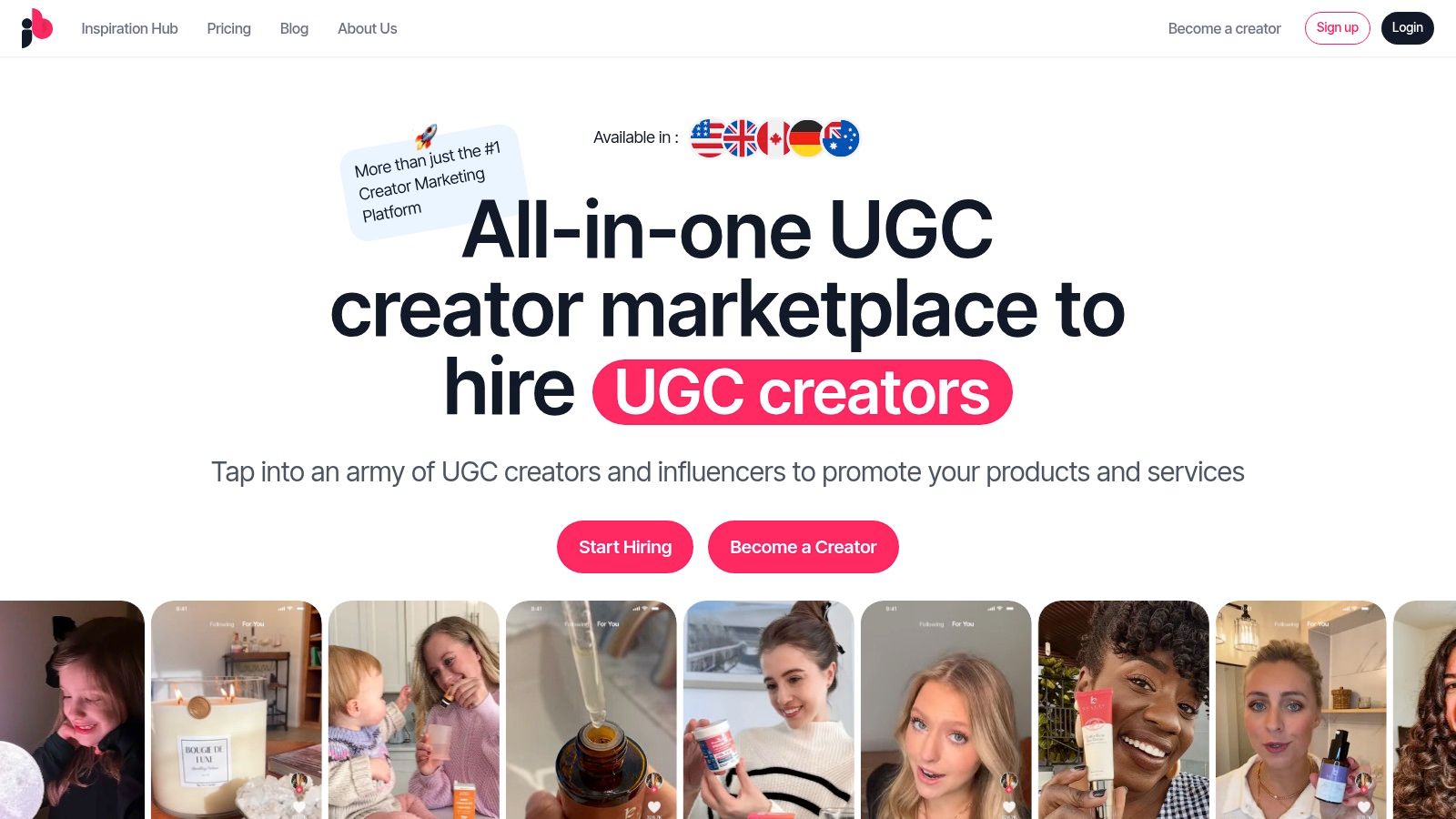
JoinBrands establishes itself as an essential, all-in-one platform for sourcing high-volume, authentic User-Generated Content (UGC). It’s an indispensable asset for DTC and e-commerce brands looking to scale their social media content creation tools without the friction and high costs of traditional influencer agencies. The platform excels at rapidly connecting brands with a vast, pre-vetted network of over 250,000 creators, including specialized TikTok Shop Affiliates and certified UGC producers, making it a powerhouse for everything from product launch campaigns to evergreen social proof.
The core strength of JoinBrands lies in its end-to-end campaign management workflow. Brands can post a detailed creative brief and, thanks to AI-powered matching, often see qualified creators applying within minutes. This dramatically accelerates the discovery and activation process. The platform centralizes communication, product shipping logistics, content approvals, and secure payments through an escrow system, providing a predictable and controlled environment for collaboration.
Key Features & Use Cases
- AI-Powered Creator Matching: Drastically reduces the time spent searching for talent. The system intelligently surfaces the most relevant creators for a campaign based on niche, demographics, and past performance.
- End-to-End Workflow Management: From initial brief to final payment and content delivery, the entire process is managed within the platform. This includes integrated chat, deadline tracking, and an approval queue.
- Specialized Creator Access: Gain direct access to a growing roster of 100K+ TikTok Shop Affiliates, perfect for brands aiming to boost sales directly on the platform. It’s also ideal for sourcing Amazon shoppable videos and photos.
- Agency & Enterprise Solutions: JoinBrands offers robust features for larger teams, including secure multi-brand management, white-label options, and collaborative accounts for seamless teamwork.
Platform Analysis
| Aspect | Assessment |
|---|---|
| Best For | DTC brands, e-commerce stores, and agencies needing to scale UGC and influencer content quickly and efficiently for platforms like TikTok, Instagram, and Amazon. |
| Key Advantage | Unmatched speed from campaign launch to content delivery (images in ~5 days, videos in ~10 days) combined with a massive, diverse creator pool. |
| Pricing Model | Offers a free signup path to explore the platform. Customized agency and enterprise plans are available upon request via a demo. |
| Content Ownership | Brands retain full ownership rights to all content created through the platform, allowing for versatile use across marketing channels. |
Pros:
- Massive & Diverse Creator Network: With 250,000+ creators, finding the right fit for any niche is highly probable.
- Exceptional Speed: The rapid application and content turnaround times are a significant competitive advantage.
- Integrated Campaign Tools: A unified system for management, communication, and payments simplifies the entire process.
- Agency-Focused Features: White-labeling and multi-brand support make it a scalable solution for agencies.
Cons:
- Pricing Transparency: Detailed pricing for higher-tier plans requires a direct sales consultation or demo.
- Creator Quality Variance: While creators are vetted, quality can vary; top-tier celebrity talent may still require a traditional agency.
For brands and agencies looking to integrate authentic, creator-driven assets into their marketing, JoinBrands is a premier choice. It streamlines what is often a chaotic process, delivering speed, scale, and control.
Website: https://joinbrands.com
2. Adobe Express (and Firefly Pro)
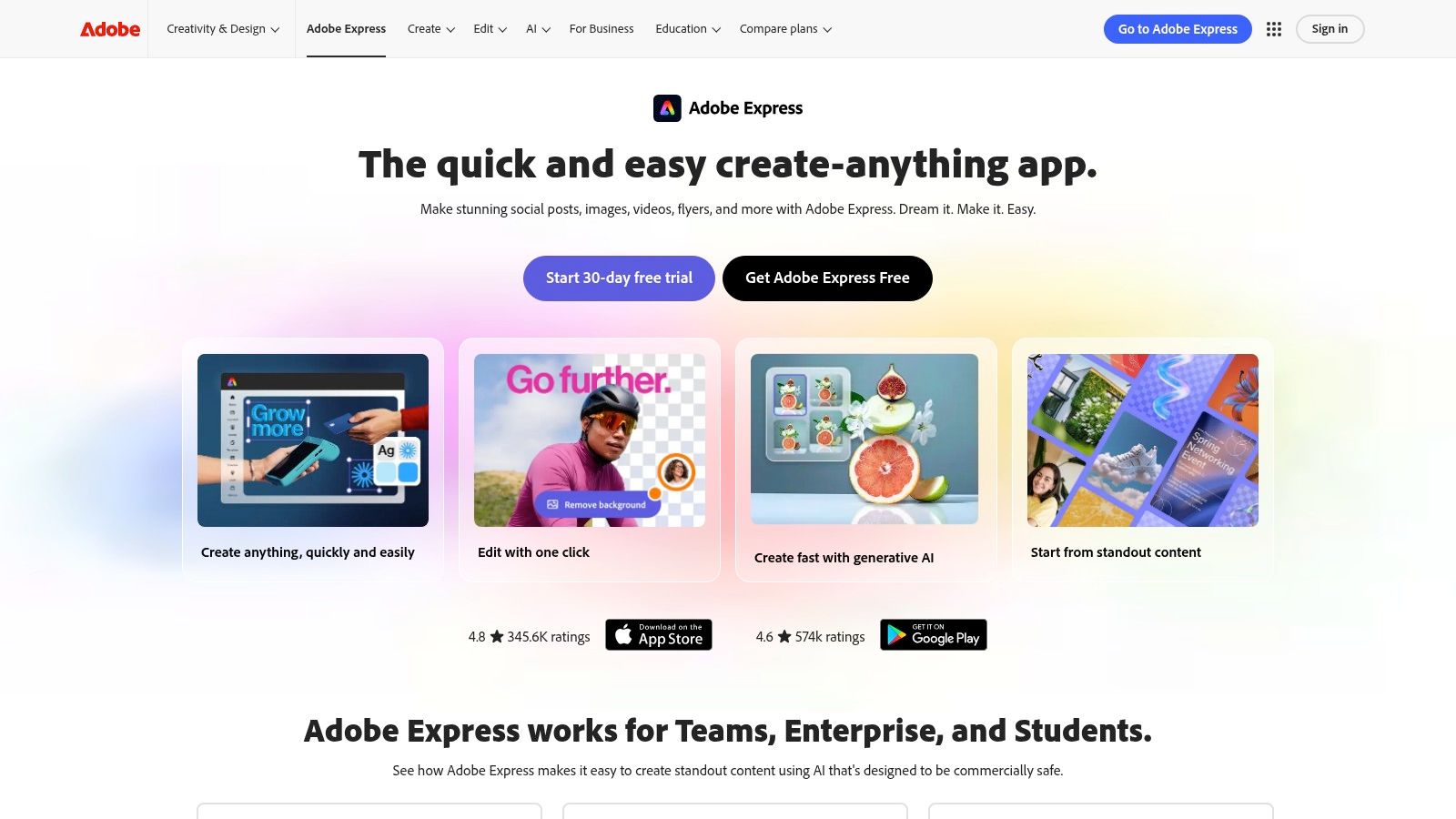
Adobe Express is an all-in-one design and video application that empowers social media teams to create stunning content quickly, without the steep learning curve of the full Creative Cloud suite. It’s an ideal tool for DTC brands and agencies that need to produce high volumes of on-brand social posts, Reels, Stories, and ads efficiently. The platform combines a user-friendly, template-driven interface with powerful generative AI features from Adobe Firefly.
Core Use Cases & Features
Adobe Express excels as one of the most versatile social media content creation tools by integrating design, video, and scheduling. Users can leverage thousands of professional templates or generate unique visuals with Firefly's text-to-image AI. Key features include one-click background removal, video captioning, and access to a vast library of Adobe Stock photos, videos, and music on paid plans.
- Best For: Fast-paced social media teams needing a unified tool for creating and scheduling polished, on-brand graphics and short-form videos.
- Unique Offering: Direct integration with Adobe Firefly AI, which is trained on licensed content, making it commercially safe for brand use. The built-in Content Scheduler allows for direct publishing to platforms like Instagram, Facebook, and TikTok.
- Pricing: A robust free plan is available. The Premium plan starts at $9.99/month, adding premium templates, more Adobe Stock assets, and 250 generative credits per month.
| Pros | Cons |
|---|---|
| Extremely intuitive for non-designers. | Generative credit system can be confusing. |
| Massive library of templates and stock assets. | Some advanced features require Creative Cloud. |
| AI features are commercially safe and powerful. | Mobile app can be less robust than the desktop version. |
3. Canva
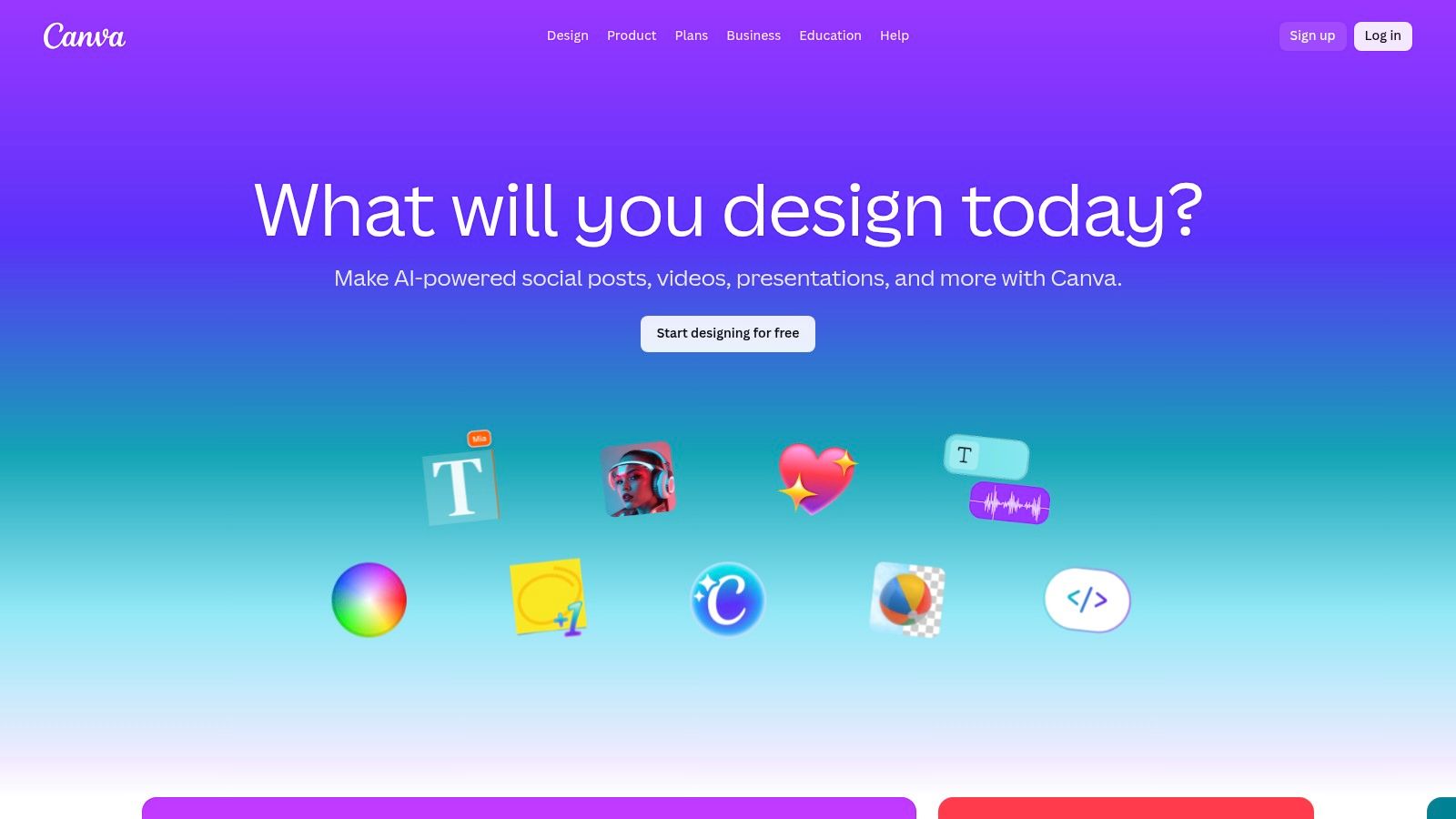
Canva has become the go-to online design platform for millions, democratizing the ability to produce professional-looking social media content without design expertise. It's an all-in-one ecosystem for creating social graphics, short videos, carousels, and presentations, making it indispensable for social media managers who prioritize speed and brand consistency. With its intuitive drag-and-drop interface and vast library of templates, even solo entrepreneurs can produce high-quality assets in minutes.
Core Use Cases & Features
Canva is one of the most accessible social media content creation tools for teams needing to scale their output. Its Magic Studio suite introduces powerful AI features like one-click background removal, object eraser, and Magic Resize to instantly adapt designs for different social platforms. The Brand Kit feature is a game-changer for teams, allowing them to store logos, color palettes, and fonts to ensure every piece of content remains on-brand.
- Best For: Social media managers and teams who need a fast, template-driven workflow for creating a wide variety of static and video content with strong brand governance.
- Unique Offering: The sheer breadth of its template library is unmatched, covering nearly every conceivable social media format. Its team collaboration features, including real-time comments and approval workflows, streamline the content review process.
- Pricing: A generous free plan is available. Canva Pro is $14.99/month for one person, while Canva for Teams starts at $29.99/month for the first 5 people, unlocking advanced brand controls and collaboration.
| Pros | Cons |
|---|---|
| Extremely low learning curve for non-designers. | Recent pricing and plan changes have been controversial. |
| Robust Brand Kit and team governance features. | Some premium assets and AI features are behind paywalls. |
| Massive library of templates for all social formats. | Can feel less powerful than dedicated design software for complex edits. |
4. CapCut
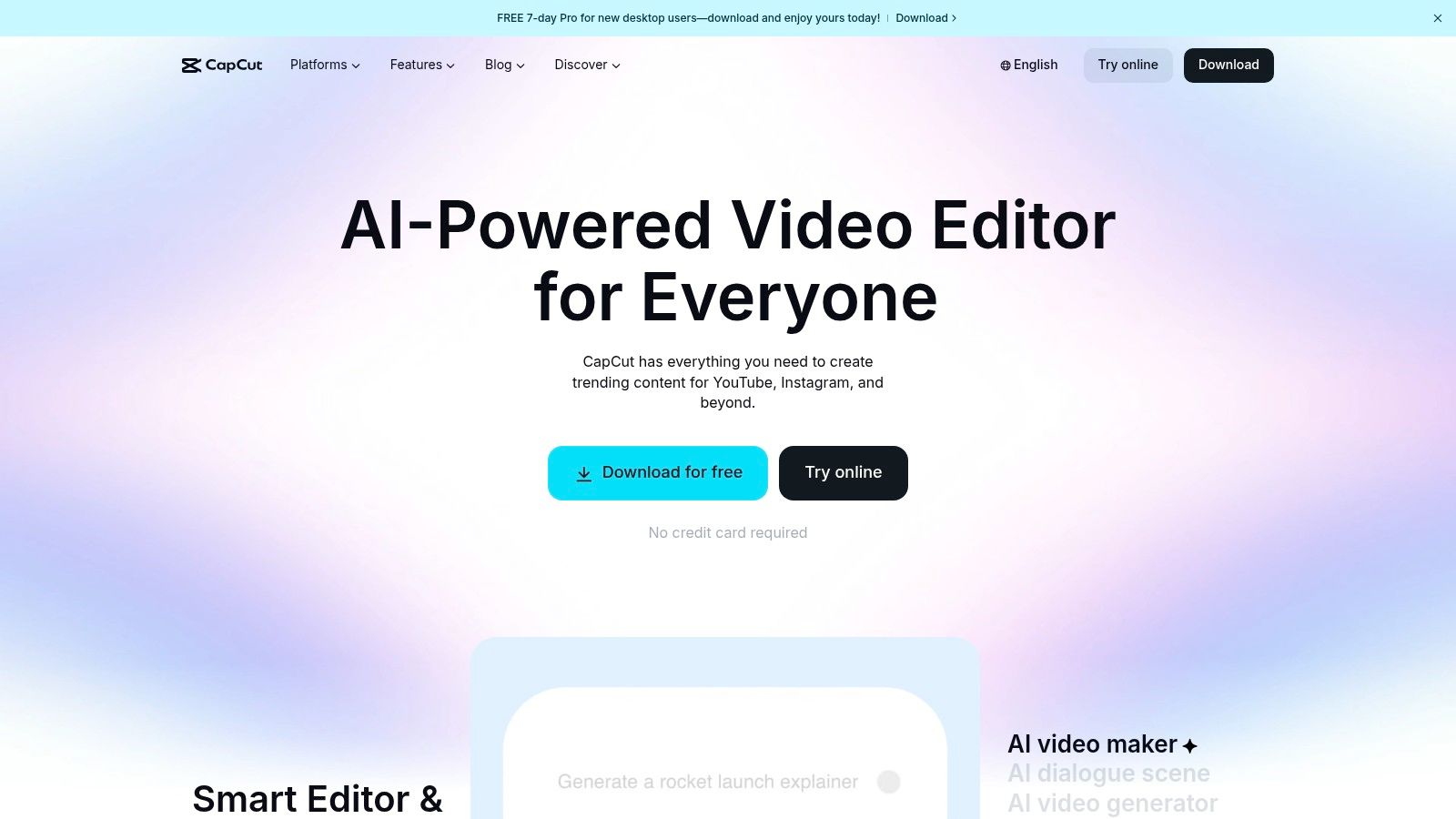
CapCut is a powerful, cross-platform video editor from ByteDance, designed specifically for creating trend-driven short-form video content. It has become an essential tool for social media managers and creators aiming to produce engaging TikToks, Reels, and Shorts quickly. Its strength lies in an intuitive mobile-first interface packed with creator-native effects, templates, and AI-powered features that simplify complex editing tasks.
Core Use Cases & Features
CapCut is one of the best social media content creation tools for teams that need to quickly edit user-generated content (UGC) or jump on the latest social media trends. Its AI-powered auto-captioning is remarkably accurate and customizable, saving hours of manual work. Key features include a vast library of trending sounds and effects, one-click background removal, motion tracking, and seamless project syncing between mobile, desktop, and web apps. The platform also streamlines the process from concept to post, which is especially useful once you understand how to write video scripts for these formats.
- Best For: Social media managers and content creators focused on producing high-velocity, trend-aligned short-form videos for TikTok, Reels, and Shorts.
- Unique Offering: A powerful, feature-rich free version that rivals paid competitors. Its template ecosystem allows users to replicate viral video formats with their own footage in seconds.
- Pricing: A generous free plan is available. CapCut Pro pricing varies by region and platform (iOS vs. Android), but typically starts around $7.99/month, unlocking cloud storage and premium effects.
| Pros | Cons |
|---|---|
| Excellent for fast short-form video editing. | Pricing and plan names can be inconsistent across platforms. |
| Rich free tier to test workflows before paying. | Support and cancellation experiences vary by app store. |
| Strong template ecosystem for trend-based content. | Can feel less professional than full-suite video editors. |
5. Descript
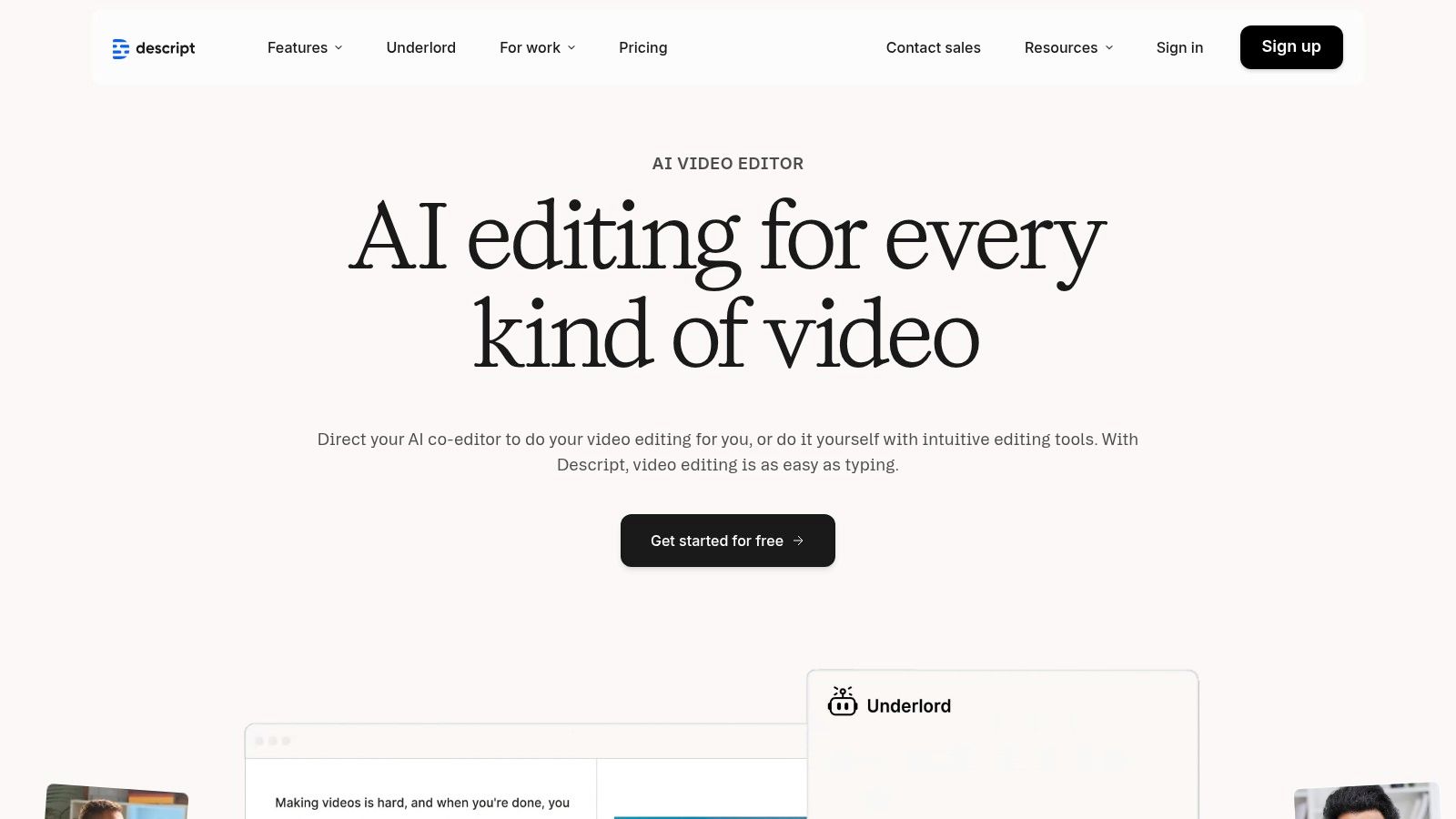
Descript revolutionizes video editing by treating it like a word document, making it an indispensable tool for brands and creators who repurpose long-form content. It’s built for transforming podcasts, webinars, and interviews into engaging social media clips without the complexities of traditional timeline-based editors. The platform’s script-based workflow allows you to edit video by simply editing the auto-generated text transcript.
Core Use Cases & Features
Descript is one of the most efficient social media content creation tools for content that is dialogue-heavy. Its core power lies in text-based editing combined with powerful AI features that streamline post-production. Key functions include one-click filler word removal ("um," "uh"), Studio Sound for audio enhancement, and Overdub for correcting audio mistakes by typing.
- Best For: Marketing teams and creators focused on repurposing podcasts, interviews, and educational content into polished, shareable social video snippets for platforms like TikTok, LinkedIn, and Instagram.
- Unique Offering: The ability to edit video by manipulating a text transcript is a game-changer for speed and accessibility. Its powerful AI co-editor and collaborative features allow teams to produce high-quality clips in a fraction of the time.
- Pricing: A free plan is available with basic features. Paid plans start at $12/month (Creator), with the Pro plan at $24/month offering more transcription hours and 4K export.
| Pros | Cons |
|---|---|
| Huge time-saver for talking-head content. | AI credits and media-hour quotas require monitoring. |
| Clean workflow for turning long videos into social snippets. | Heavier learning curve for users from timeline-only editors. |
| Solid team features at Business tier. | Can be resource-intensive on some computers. |
6. Kapwing
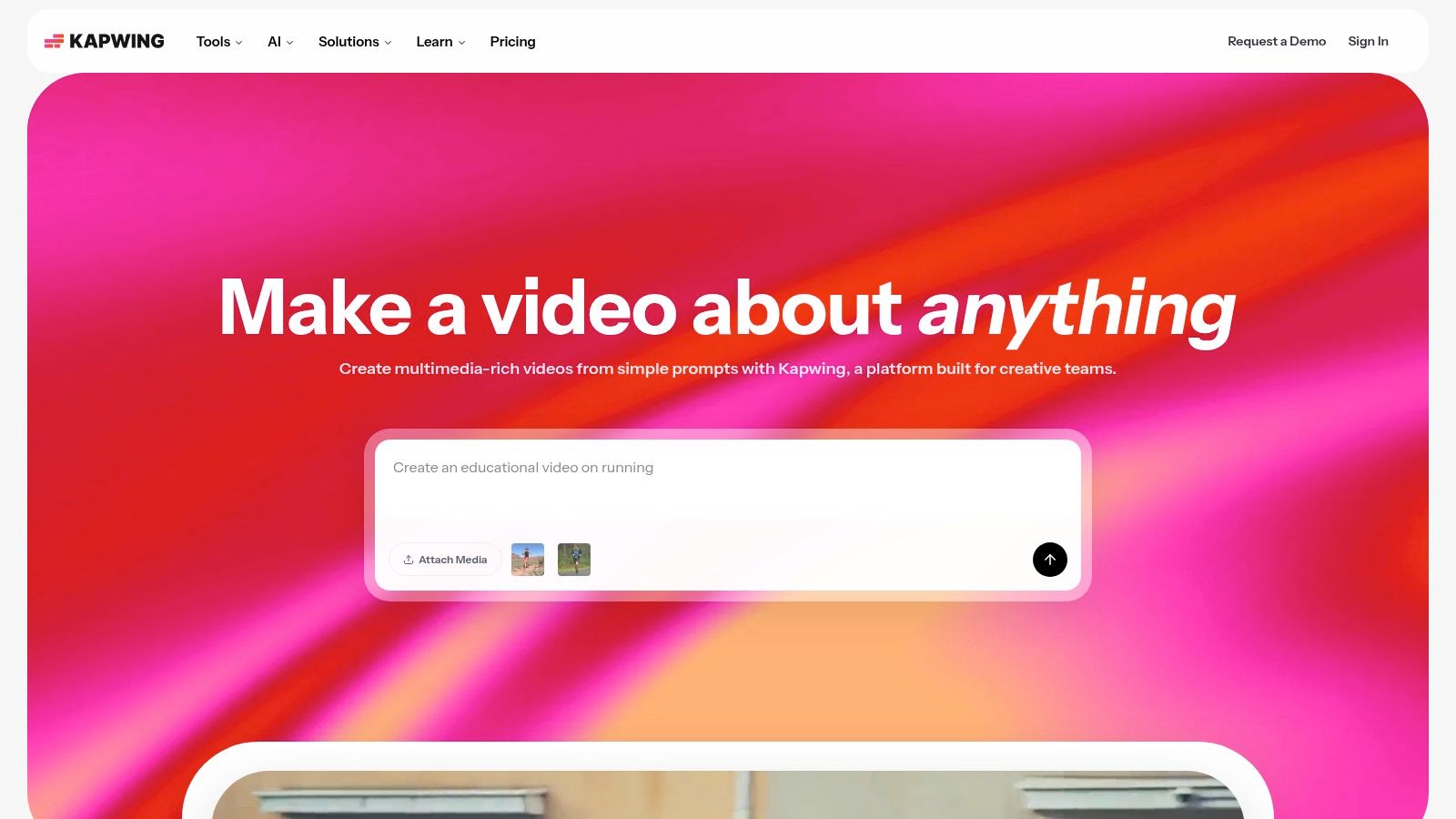
Kapwing is a browser-based collaborative video editor designed for the speed of modern social media. It streamlines the creation of memes, short-form videos, and repurposed content, making it a go-to for teams that need to move fast without getting bogged down in complex software. The platform excels at tasks like subtitling, resizing for different social formats, and leveraging AI to accelerate tedious editing jobs.
Core Use Cases & Features
Kapwing shines as one of the most accessible social media content creation tools for teams that prioritize speed and collaboration over advanced effects. Its AI-powered features for generating subtitles, translating audio, and creating clean video dubs are particularly powerful for reaching a global audience. Users can also utilize smart tools to automatically remove silences or generate video clips from text prompts.
- Best For: Social media managers and content teams needing a quick, web-based tool for collaborative video edits, especially subtitling and repurposing content across platforms.
- Unique Offering: The 'Edit with AI' suite offers powerful functions like AI dubbing and translation, alongside a fully collaborative workspace where team members can comment and edit projects in real-time.
- Pricing: A free plan is available with watermarks. The Pro plan starts at $16/month (billed annually), removing watermarks, unlocking 4K exports, and providing more AI credits and storage.
| Pros | Cons |
|---|---|
| Fully online, enabling seamless team collaboration. | AI features are tied to a credit and usage limit system. |
| Excellent AI-powered subtitling and dubbing tools. | Browser performance can lag on very long or complex videos. |
| User-friendly interface is great for non-editors. | The free version includes a prominent watermark. |
7. Microsoft Clipchamp
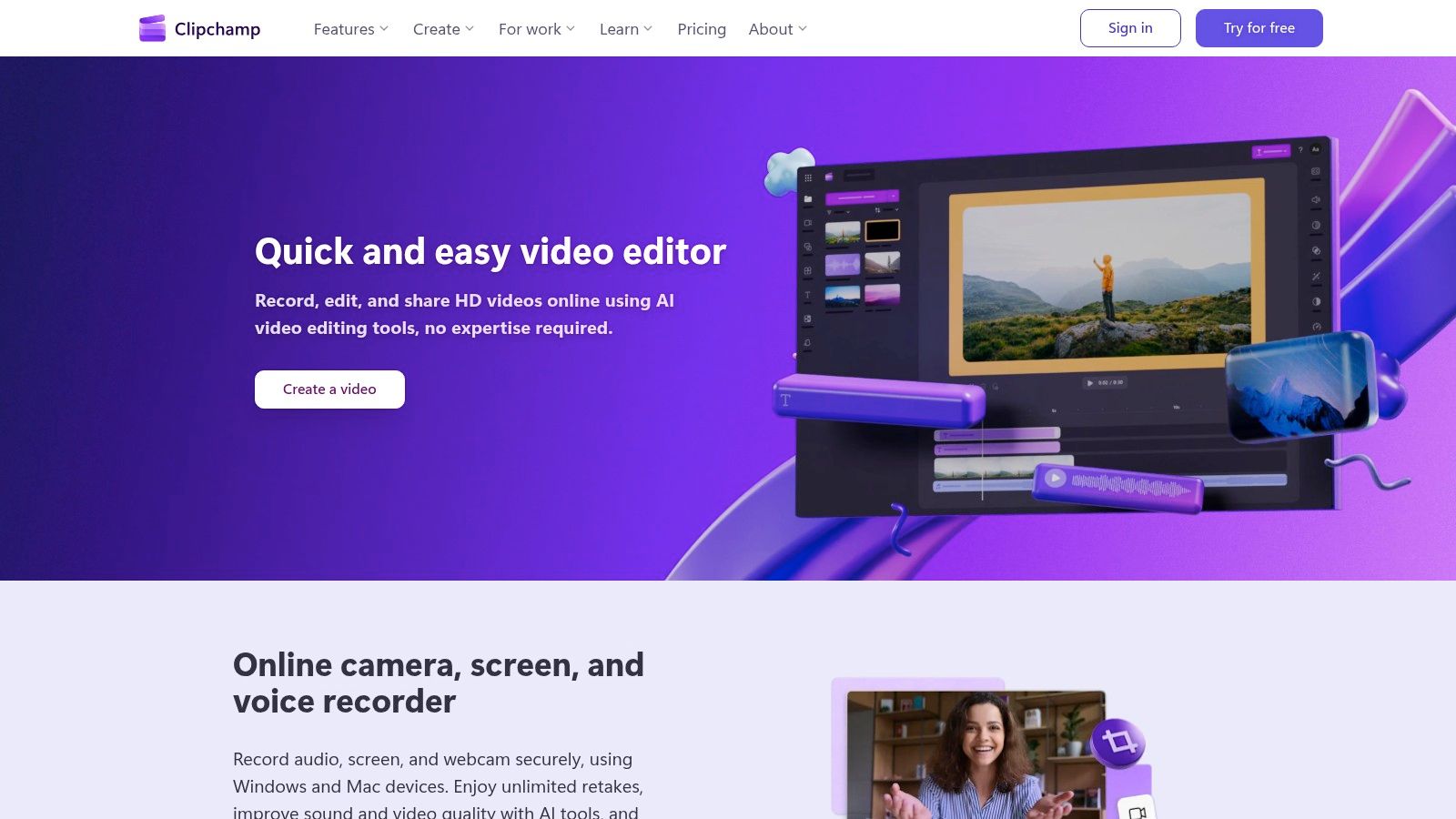
Microsoft Clipchamp is an accessible, browser-based video editor designed for quick and easy content creation, making it a strong choice for teams already embedded in the Microsoft 365 ecosystem. Its straightforward interface allows users to produce professional-looking social media videos without extensive editing experience. For DTC brands and agencies needing a simple, shareable video solution, Clipchamp’s integration with OneDrive and its user-friendly tools streamline the production of ads, tutorials, and promotional clips.
Core Use Cases & Features
Clipchamp serves as an efficient tool for turning raw footage into polished social content. Its template-driven workflow, combined with AI-powered features like auto-captioning and text-to-speech voiceovers, accelerates the editing process. The platform is one of the more generous social media content creation tools at the free level, offering watermark-free 1080p exports, which is a significant advantage for startups and small businesses.
- Best For: Social media managers and marketing teams who need a no-fuss video editor for creating high-quality social content and are already using Microsoft 365.
- Unique Offering: Deep integration with Microsoft 365 and OneDrive, providing seamless cloud storage and asset management. Premium features like 4K exports and a brand kit are included with many standard Microsoft 365 subscriptions.
- Pricing: A powerful free plan is available. The Premium plan (unlocking 4K, brand kits, and premium stock) is included with Microsoft 365 Personal and Family plans or can be purchased separately starting at $11.99/month.
| Pros | Cons |
|---|---|
| Straightforward UI perfect for quick social edits. | Advanced editing and motion graphics are limited. |
| No-watermark 1080p exports on the free plan. | Best features are gated behind a Microsoft 365 subscription. |
| Premium features included with many Microsoft 365 plans. | Fewer integrations compared to other dedicated video platforms. |
8. VistaCreate (formerly Crello)
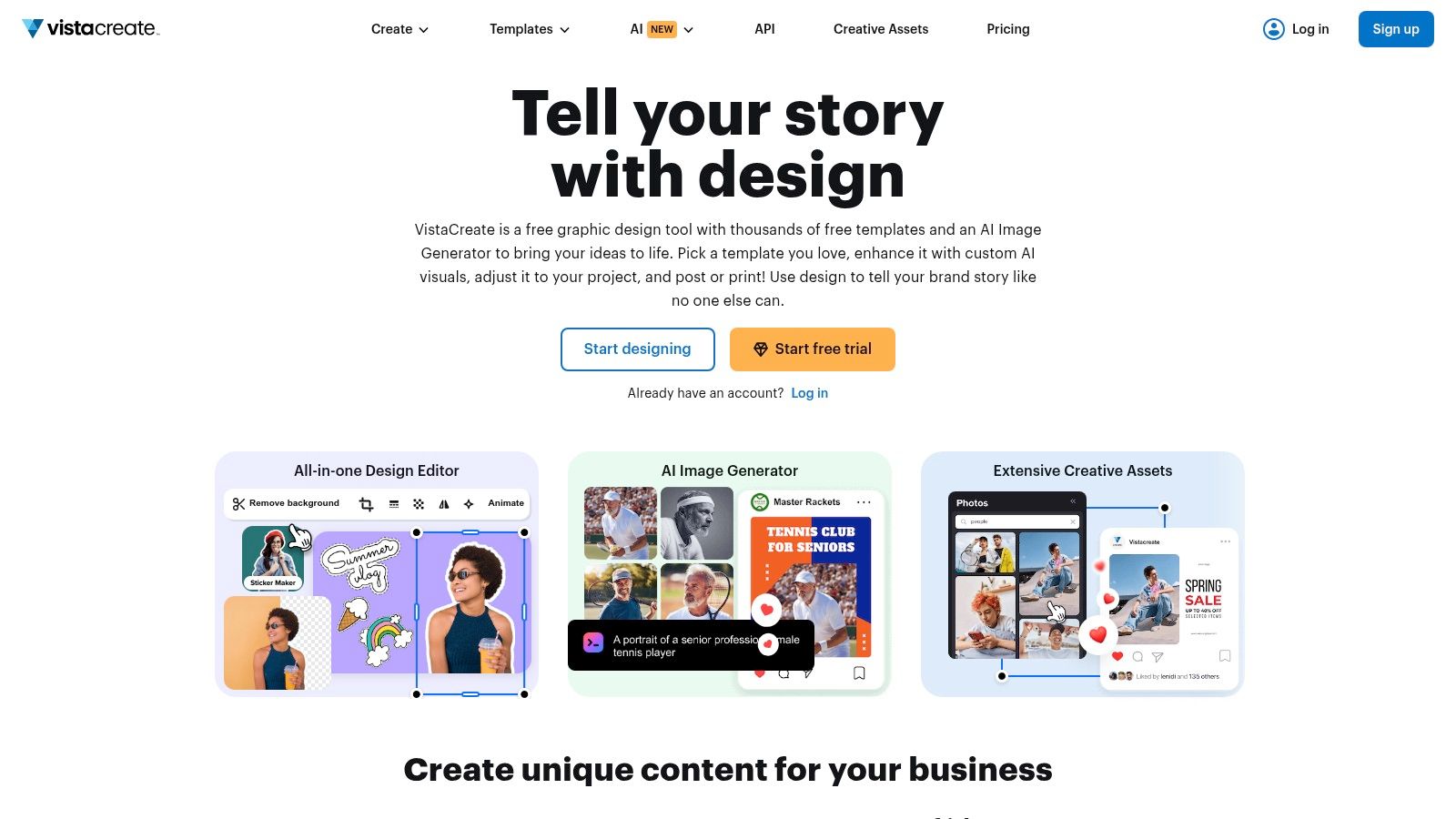
VistaCreate, formerly known as Crello, is a versatile web-based design tool that presents itself as a powerful and practical alternative to Canva. It’s built for social media managers and small business owners who need to quickly produce a high volume of professional-looking graphics and simple videos without a steep learning curve. The platform stands out by bundling an enormous stock asset library with its Pro plan, making it an excellent value proposition for content-heavy strategies.
Core Use Cases & Features
As one of the most accessible social media content creation tools, VistaCreate shines in template-based design for posts, Stories, and ads. Its feature set is designed for speed and convenience, including an AI background and object remover, an AI image generator, and unlimited Brand Kits on the Pro plan for maintaining brand consistency across all assets. Team collaboration features also make it suitable for small agencies and marketing departments.
- Best For: Brands and social media managers looking for a cost-effective, all-in-one design tool with a massive integrated library of stock photos and videos.
- Unique Offering: The Pro plan’s inclusion of over 170 million stock assets from Depositphotos, which is a significant value compared to sourcing stock imagery separately.
- Pricing: A free plan is available with basic features. The Pro plan is $13/month ($10/month when billed annually) and includes the full stock library, unlimited brand kits, and premium templates. A 14-day free trial of Pro is offered.
| Pros | Cons |
|---|---|
| Huge stock asset library is included in the Pro plan. | Fewer advanced video features than dedicated editors. |
| Good balance of templates and basic video tools. | Daily asset download limits apply during the free trial. |
| Unlimited Brand Kits on Pro for easy brand consistency. | AI features are functional but may not be as advanced as competitors. |
Visit VistaCreate
9. InVideo AI
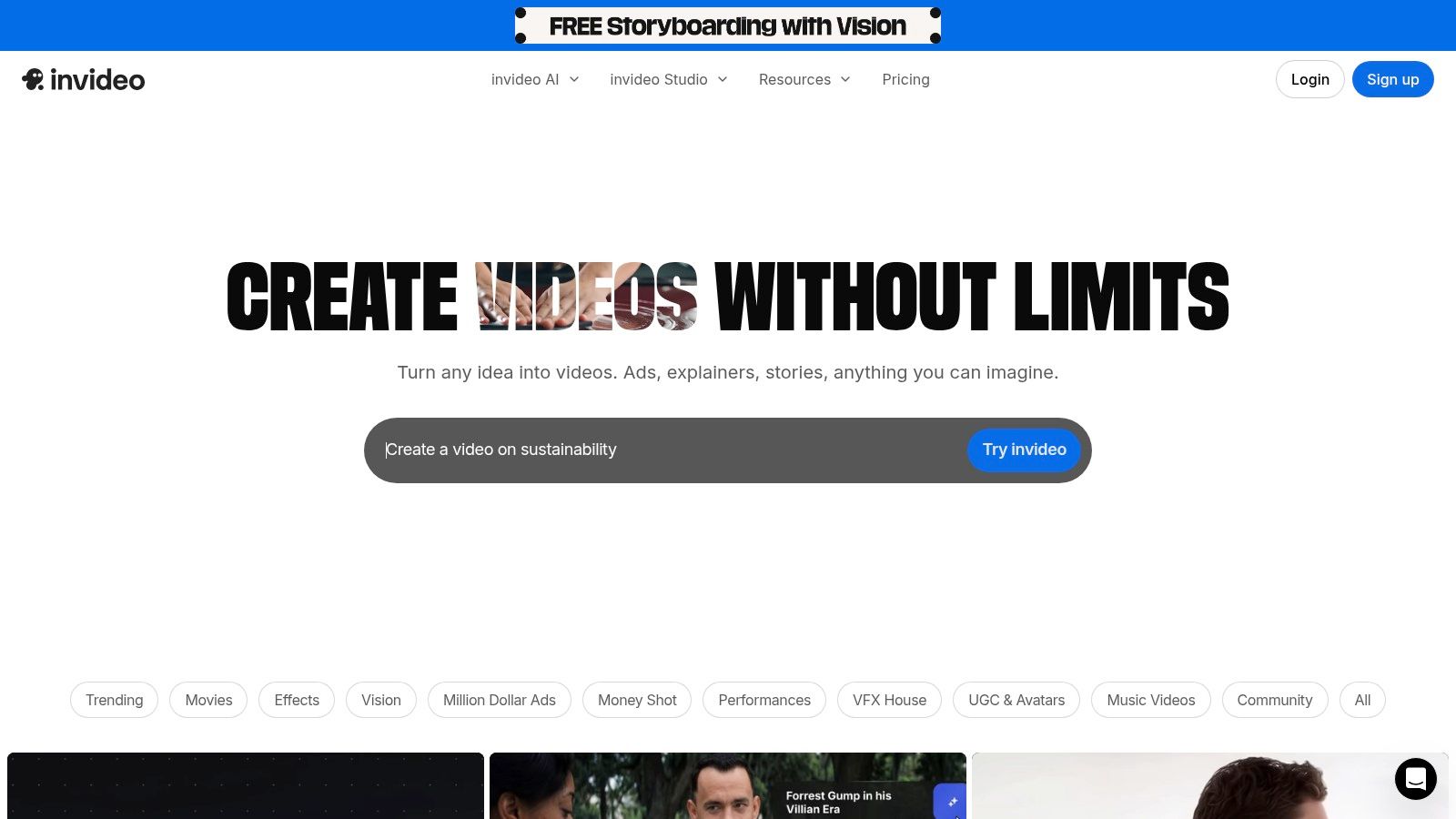
InVideo AI is a powerful text-to-video generator designed to transform simple prompts or detailed scripts into publish-ready social media videos in minutes. It's built for speed and scale, allowing brands and agencies to quickly create multiple video variations for ad campaigns, product explainers, or organic Reels without needing any editing experience. The platform streamlines the entire process, from script generation and voiceover creation to sourcing relevant stock footage and adding music.
Core Use Cases & Features
As one of the most accessible social media content creation tools for video, InVideo AI automates the tedious parts of production. Users provide a prompt, and the AI handles the scene creation, media selection from a premium stock library, and voiceover synchronization. While tools like InVideo AI specialize in accessible video creation, other specialized AI video generators can help fashion brands create dynamic social media content, particularly reels, quickly. Exploring different approaches to AI content generation is key to finding the right fit for your workflow.
- Best For: Marketing teams that need to rapidly test different video ad concepts, create multilingual product demos, and produce high volumes of short-form content.
- Unique Offering: A fully prompt-based workflow that builds entire videos from a text command, including AI-generated scripts, human-like voiceovers, and scenes built from its integrated iStock library.
- Pricing: A free plan is available with a watermark and export limits. Paid plans start at $20/month (billed annually) and provide more video generation minutes, iStock credits, and watermark-free exports.
| Pros | Cons |
|---|---|
| Extremely fast concept-to-video workflow. | Credits and quotas require careful planning and tracking. |
| Scales well for teams and high-volume ad testing. | Generative AI features and model quality can vary by plan. |
| Free plan is great for testing capabilities. | Less manual control compared to traditional video editors. |
10. Envato Elements
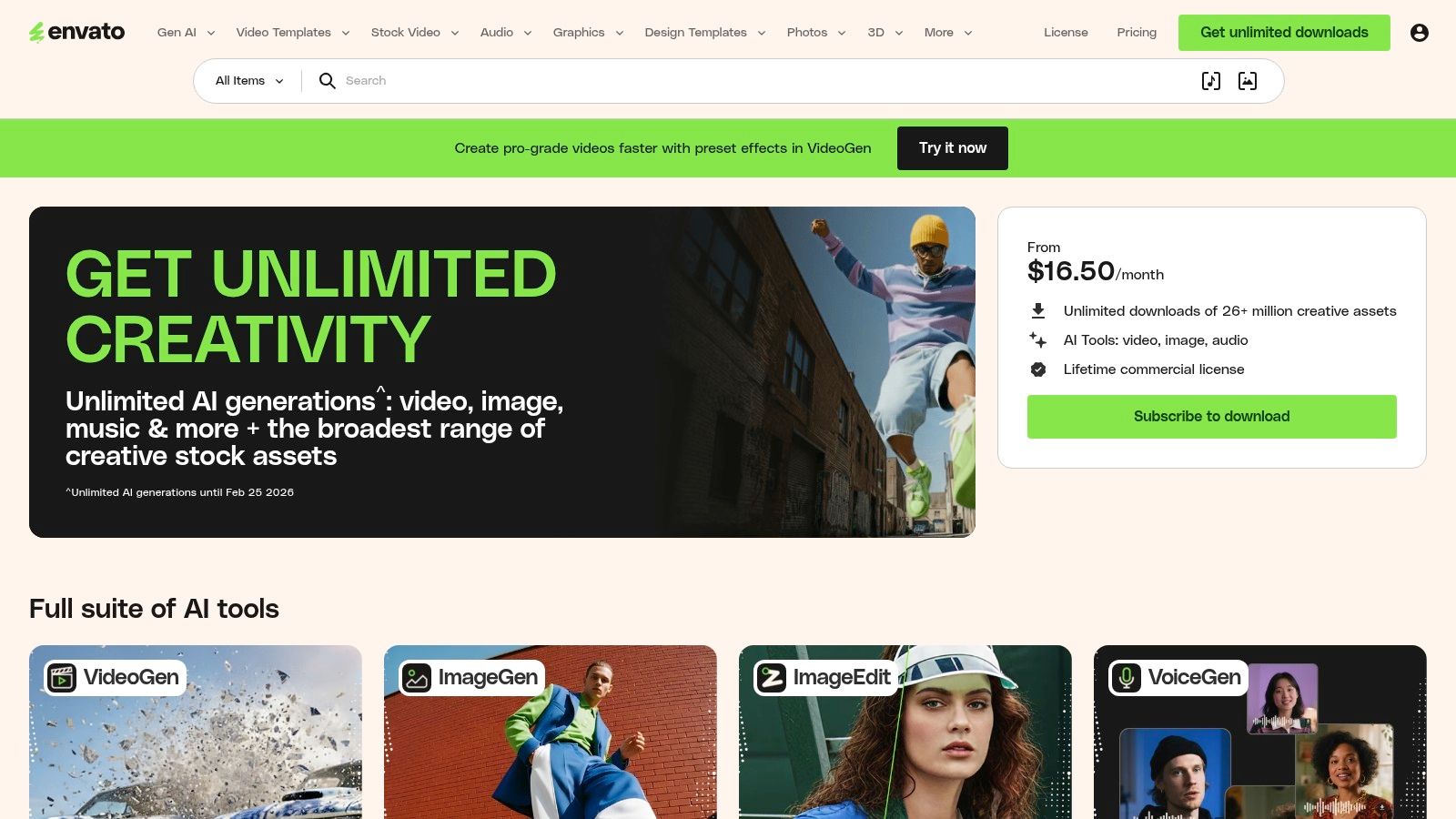
Envato Elements is a massive subscription library offering unlimited downloads of creative assets, making it an indispensable resource for social media teams needing a constant supply of fresh material. Instead of purchasing assets individually, a single subscription provides access to millions of video templates, stock photos, graphics, fonts, music tracks, and sound effects. This model is ideal for agencies and brands that produce diverse types of content for social media and require high-quality components to enhance their projects.
Core Use Cases & Features
As one of the most cost-effective social media content creation tools, Envato Elements serves as a foundational asset repository. Teams can download templates for Premiere Pro and After Effects to create professional video ads, find the perfect background music for a Reel, or grab a font that matches a new campaign aesthetic. Every downloaded asset comes with a lifetime commercial license, providing peace of mind for brand usage.
- Best For: Creative teams and freelancers who need unlimited access to a wide variety of digital assets to support high-volume content production.
- Unique Offering: The "all-you-can-eat" subscription model is its biggest differentiator. The platform provides a single, predictable cost for nearly every creative asset a team might need, from video templates to presentation graphics.
- Pricing: Individual plans start at $16.50/month. Team and Enterprise plans are available, offering better collaboration and administrative controls.
| Pros | Cons |
|---|---|
| Incredible value with unlimited downloads. | Asset quality can be inconsistent and requires curation. |
| One subscription covers multiple asset categories. | The sheer volume of assets can be overwhelming to search through. |
| Simple, broad commercial licensing for downloaded items. | Emerging AI tools and their policies may change. |
11. Storyblocks
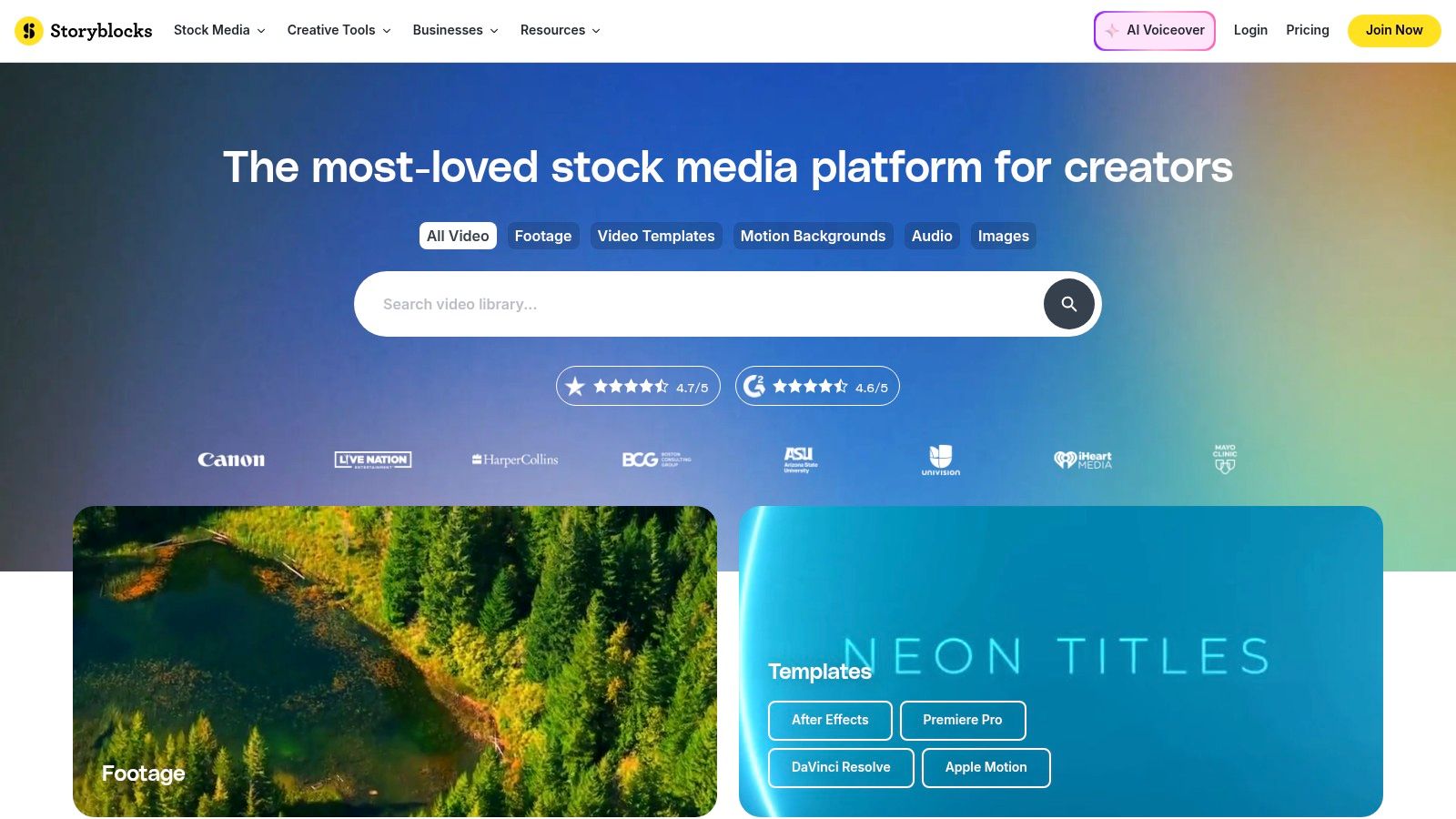
Storyblocks is an essential resource for social media teams needing a vast, high-quality library of stock video, audio, and images. It solves the constant demand for fresh B-roll, background music, sound effects, and visual assets required for dynamic social content like Reels and TikToks. The platform’s unlimited download model is a game-changer for high-volume content production, eliminating per-asset costs and simplifying budget management for agencies and brands.
Core Use Cases & Features
Storyblocks excels as one of the most cost-effective social media content creation tools for sourcing supplementary assets. Teams can quickly find 4K footage to make product videos more engaging, grab templates for After Effects to speed up motion graphics, or find the perfect soundtrack to set the mood. Its straightforward licensing covers commercial use on social media, providing peace of mind.
- Best For: Social media managers and video editors who constantly need fresh B-roll, SFX, and music to elevate their video content without restrictive download limits.
- Unique Offering: The "Unlimited All Access" plan provides unrestricted downloads from the entire library, which is a significant value proposition. It also includes a basic video editor called Maker and an Adobe Creative Cloud plugin for seamless workflow integration.
- Pricing: Plans start around $20/month for the Starter video plan. The popular Unlimited All Access plan is approximately $30/month (billed annually), with custom pricing for enterprise teams.
| Pros | Cons |
|---|---|
| Unlimited downloads simplify high-volume production. | AI credit system adds another usage meter to track. |
| Clear small-business vs. enterprise licensing. | Music and SFX library is not as specialized as audio-only sites. |
| Excellent price-to-library value for teams. | The built-in Maker editor is very basic. |
12. Epidemic Sound
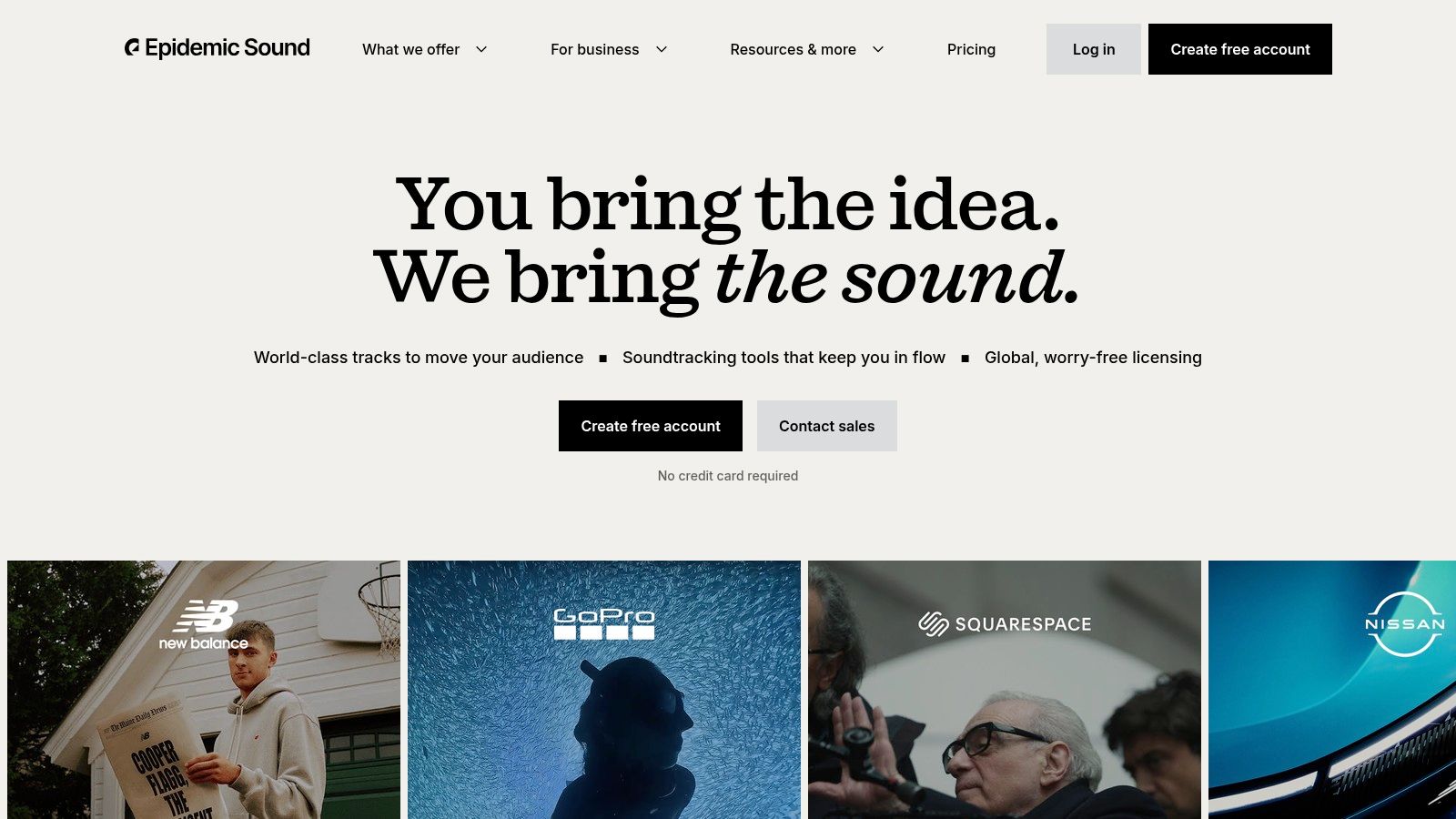
Epidemic Sound is a leading royalty-free music and sound effects platform designed to simplify audio licensing for social media and advertising. For brands and agencies creating video content for platforms like YouTube, TikTok, and Instagram, it provides a high-quality, curated library that eliminates the risk of copyright strikes and demonetization. The platform offers clear licensing that covers everything from organic social posts to paid ad campaigns, making it an essential resource for polished video production.
Core Use Cases & Features
Epidemic Sound serves as a go-to audio library for content creators who need premium, trend-relevant sound. Its powerful search and curated playlists allow users to quickly find the perfect track or sound effect to match a video's mood. Key features include access to track stems for custom editing, integration with video editing software, and a simple-to-understand licensing model that safeguards content across multiple channels.
- Best For: Social media teams, video editors, and agencies that need a reliable, high-quality source of music and SFX for organic and paid social video content.
- Unique Offering: A simple, all-inclusive subscription model that provides a "direct license," covering all necessary rights for online platforms without complex individual track licensing. Their Pro and Enterprise plans explicitly cover digital advertising usage.
- Pricing: The Personal plan starts at $9.99/month. The Commercial plan, designed for businesses and freelancers, is $19.99/month, and the Enterprise plan offers custom pricing.
| Pros | Cons |
|---|---|
| Simple, platform-safe licensing for social and paid ads. | More expensive than some generic stock libraries. |
| High-quality, frequently updated music catalog. | The right plan must be selected for business/ad use. |
| Excellent search functionality and curated playlists. | Licensing is tied to an active subscription. |
Top 12 Social Media Content Tools Comparison
| Product | Core features | UX (★) | Value (💰) | Target (👥) | Unique (✨) |
|---|---|---|---|---|---|
| 🏆 JoinBrands | Creator marketplace, AI matching, campaign mgmt, escrow, Spark Ads | ★★★★★ — end-to-end | 💰 Flexible pricing; free signup | 👥 DTC/e‑commerce brands, agencies | ✨ 250K+ vetted creators; fast turnarounds & multi‑brand tools |
| Adobe Express (Firefly Pro) | Design + generative AI, templates, content scheduler | ★★★★ — fast for social | 💰 Free + premium (generative credits) | 👥 Social teams, marketers | ✨ Firefly AI + integrated stock assets |
| Canva | Templates, Magic Studio AI, Brand Kits, team collaboration | ★★★★★ — very easy | 💰 Free + Pro/Business | 👥 Social managers & small teams | ✨ Strong brand governance & massive templates |
| CapCut | Short-form editor, templates, auto-subtitles, effects | ★★★★ — creator-native | 💰 Generous free tier | 👥 Creators & trend-driven editors | ✨ Trend templates + cross-device continuity |
| Descript | Text-based video/audio editing, transcription, overdub | ★★★★★ — repurposing specialist | 💰 Free + paid credits/plans | 👥 Podcasters, interview-based creators | ✨ Edit-by-text, Studio Sound & overdub tech |
| Kapwing | Browser editor, subtitles, dubbing, collaborative workspaces | ★★★★ — quick online workflow | 💰 Affordable Pro; credit limits | 👥 Social teams & non-technical editors | ✨ Fast online collaboration + AI captioning |
| Microsoft Clipchamp | Beginner-friendly editor, AI subtitles, OneDrive integration | ★★★ — simple & accessible | 💰 Free 1080p; M365 unlocks premium | 👥 Microsoft 365 teams & beginners | ✨ No-watermark 1080p + OneDrive workflow |
| VistaCreate (Crello) | Social templates, AI remover, stock, Brand Kits | ★★★★ — practical for graphics | 💰 Pro subscription with large stock | 👥 Small businesses & marketers | ✨ Huge stock library bundled in Pro |
| InVideo AI | Script-to-video, AI voices/avatars, multilingual output | ★★★★ — fast ad/video creation | 💰 Credit-based plans | 👥 Performance marketers & ad creators | ✨ Rapid script → multiple reel/ad variants |
| Envato Elements | Unlimited downloads: templates, music, fonts, graphics | ★★★★★ — asset depth & variety | 💰 Subscription; high value for assets | 👥 Agencies, editors, production teams | ✨ 26M+ assets with lifetime commercial license |
| Storyblocks | Unlimited stock footage, music, templates, AI toolkit | ★★★★ — strong B-roll support | 💰 Unlimited plans for high-volume | 👥 High-volume producers & teams | ✨ Unlimited 4K/HD downloads + clear licensing |
| Epidemic Sound | Royalty-free music & SFX with ad-safe licensing | ★★★★★ — music quality & catalog | 💰 Premium subscription (costlier) | 👥 Creators & brands needing ad-safe tracks | ✨ Stems, curated playlists & ad/monetization-safe tracks |
Building Your Ultimate Content Creation Engine
Navigating the expansive landscape of social media content creation tools can feel overwhelming, but the goal isn't to find a single, mythical platform that does everything. The most agile and successful brands recognize that the true power lies in building a customized, interconnected "content engine." This engine is a carefully curated stack of tools, each chosen for its specific strengths, that work together to streamline your workflow from ideation to publication. The tools we've explored, from comprehensive design suites like Canva and Adobe Express to specialized video editors like Descript and CapCut, are the individual components you can assemble to build a system perfectly tailored to your team's unique needs and goals.
The central takeaway is this: there is no one-size-fits-all solution. A DTC startup prioritizing authentic, community-driven content might build its engine around a User-Generated Content platform like JoinBrands, making it the primary source of raw material. This content can then be polished and repurposed using a quick, user-friendly editor like Kapwing or Microsoft Clipchamp, ensuring a high-volume, high-authenticity output that resonates on platforms like TikTok and Instagram Reels. In contrast, an established agency managing multiple high-end clients may lean more heavily on the Adobe ecosystem, using Express for templated assets and integrating it with Premiere Pro for more complex video projects, supplemented by a vast library like Envato Elements for premium stock footage and effects.
From Tools to a Cohesive System
The transition from using disparate tools to operating a cohesive system requires a strategic mindset. Your goal should be to create a seamless flow where assets move logically from one stage to the next with minimal friction.
- Identify Your Core Need: Start by pinpointing your biggest bottleneck. Is it sourcing fresh, authentic visuals? If so, a UGC platform is your priority. Is it the time-consuming process of editing short-form video? Then a template-driven or AI-assisted editor like InVideo AI should be your first consideration.
- Map Your Workflow: Visualize your content creation process. An asset might be sourced from a creator via JoinBrands, edited into multiple formats in Canva, have audio added from Epidemic Sound, and finally be scheduled through your social media management platform. Understanding this journey reveals where integrations matter most and which tools need to "talk" to each other.
- Embrace Specialization: Don't expect your design tool to be the best video editor, or your video editor to be the best asset library. Leverage the power of specialized platforms. Use Descript for its unparalleled ability to turn long-form podcasts into dozens of social clips. Rely on Storyblocks or Envato Elements for their deep libraries of B-roll and audio tracks that your all-in-one design tool simply can't match.
The Future-Proof Content Stack
As you build your stack, remember that the digital landscape is constantly evolving. AI's role in content creation, for example, is rapidly expanding beyond simple text generation. To truly build a powerful content creation engine, it's essential to explore the landscape of the best AI tools for content creation available today. Integrating these technologies can further accelerate your processes, from generating video scripts to creating unique background images.
Ultimately, the right collection of social media content creation tools empowers you to reclaim your most valuable asset: time. By automating repetitive tasks, simplifying complex processes, and unlocking new creative possibilities, this engine allows your team to focus on what truly matters: strategy, creativity, and building a genuine connection with your audience. Start by auditing your current process, identify the single biggest point of friction, and test the tool from this list that promises to solve it. Your ultimate content engine is built one strategic component at a time.
Ready to make authentic, creator-generated content the cornerstone of your social media strategy? JoinBrands connects you with a vast network of creators ready to produce high-quality, engaging photos and videos for your brand. Stop struggling to generate content and start building your library of authentic assets today by exploring JoinBrands.